Skip to content

POEditor alternative for teams that update app text after release.

ReRune offers features POEditor's public documentation does not describe: OTA SDKs that deliver approved text to running apps on React, React Native, Angular, Flutter, Android, iOS and Kotlin Multiplatform, draft previews in test builds, audience variants and publication restore. Each key counts once, in any number of languages.
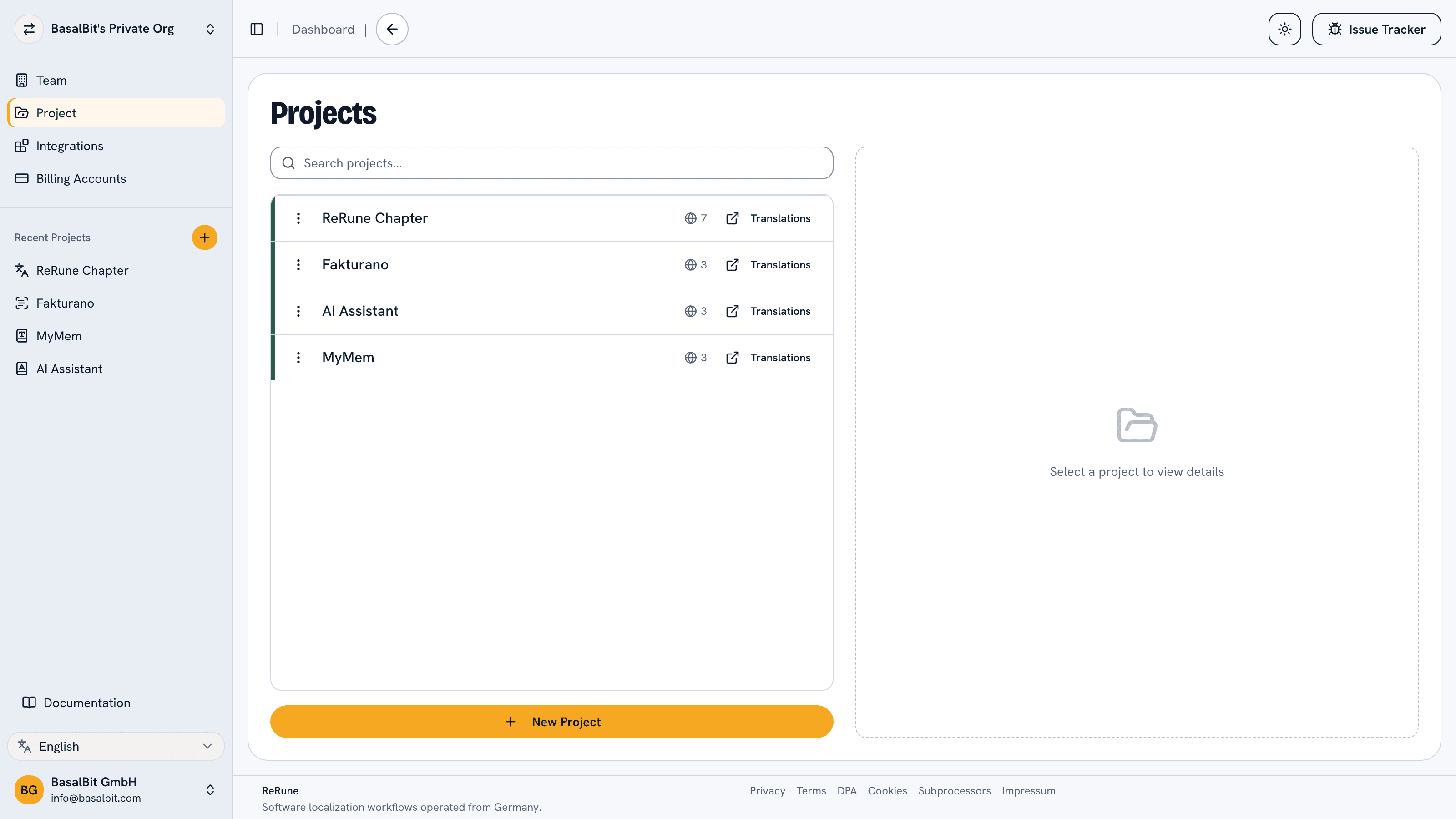
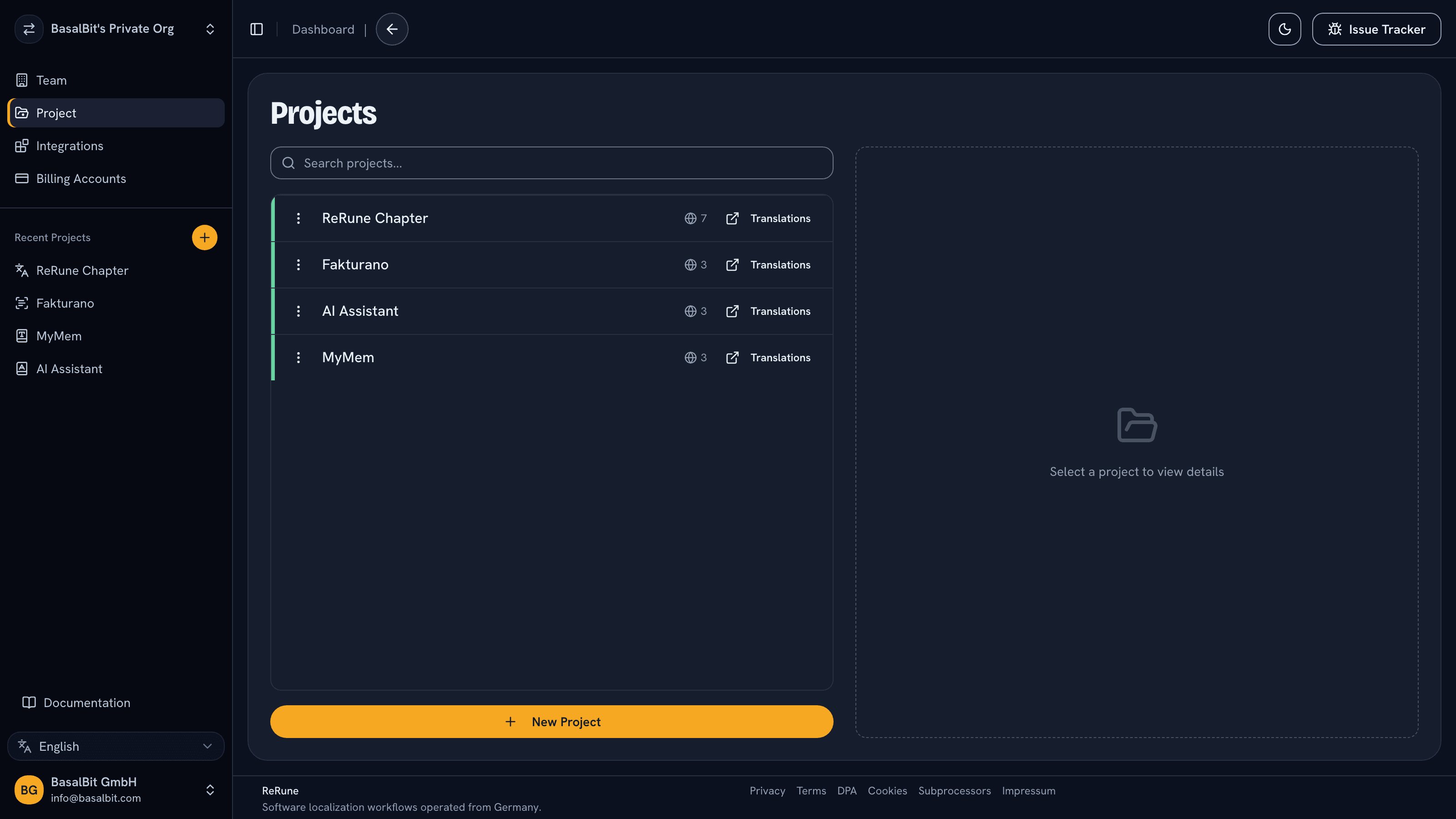
ReRune projects list showing real localization projects in a workspace
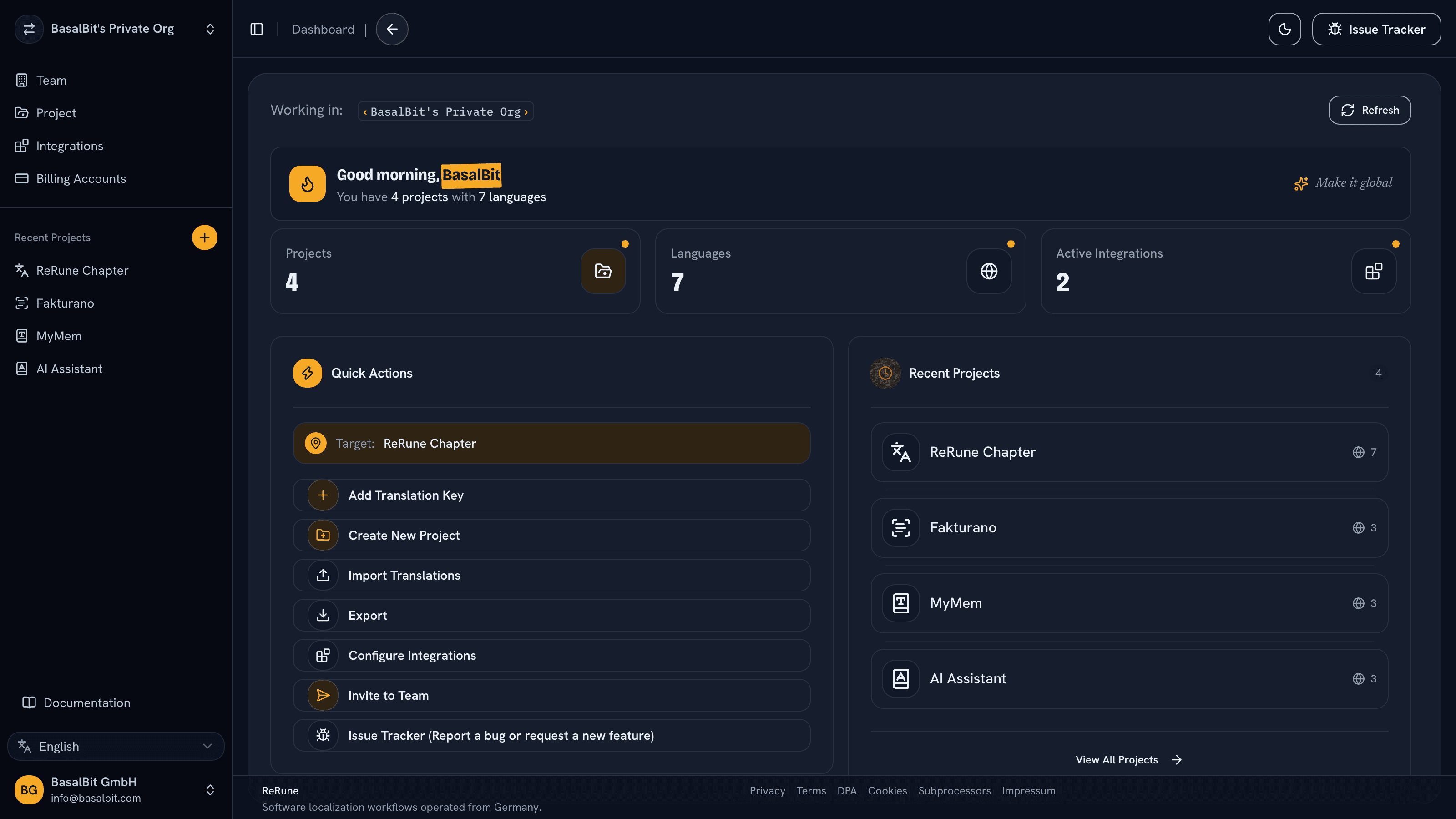
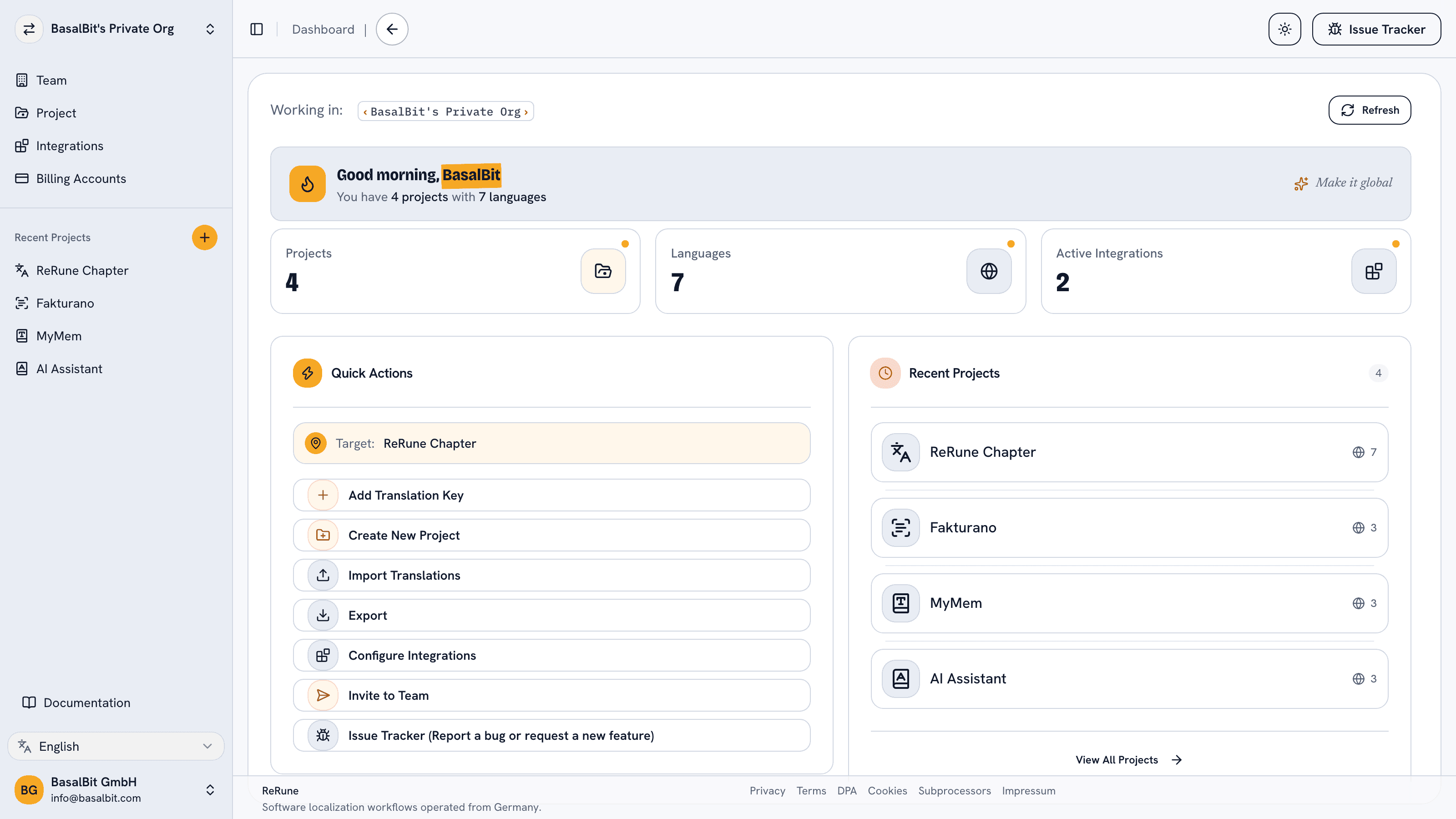
ReRune dashboard showing localization workspace activity and project statusReRune dashboard showing localization workspace activity and project statusReRune dashboard showing localization workspace activity and project status
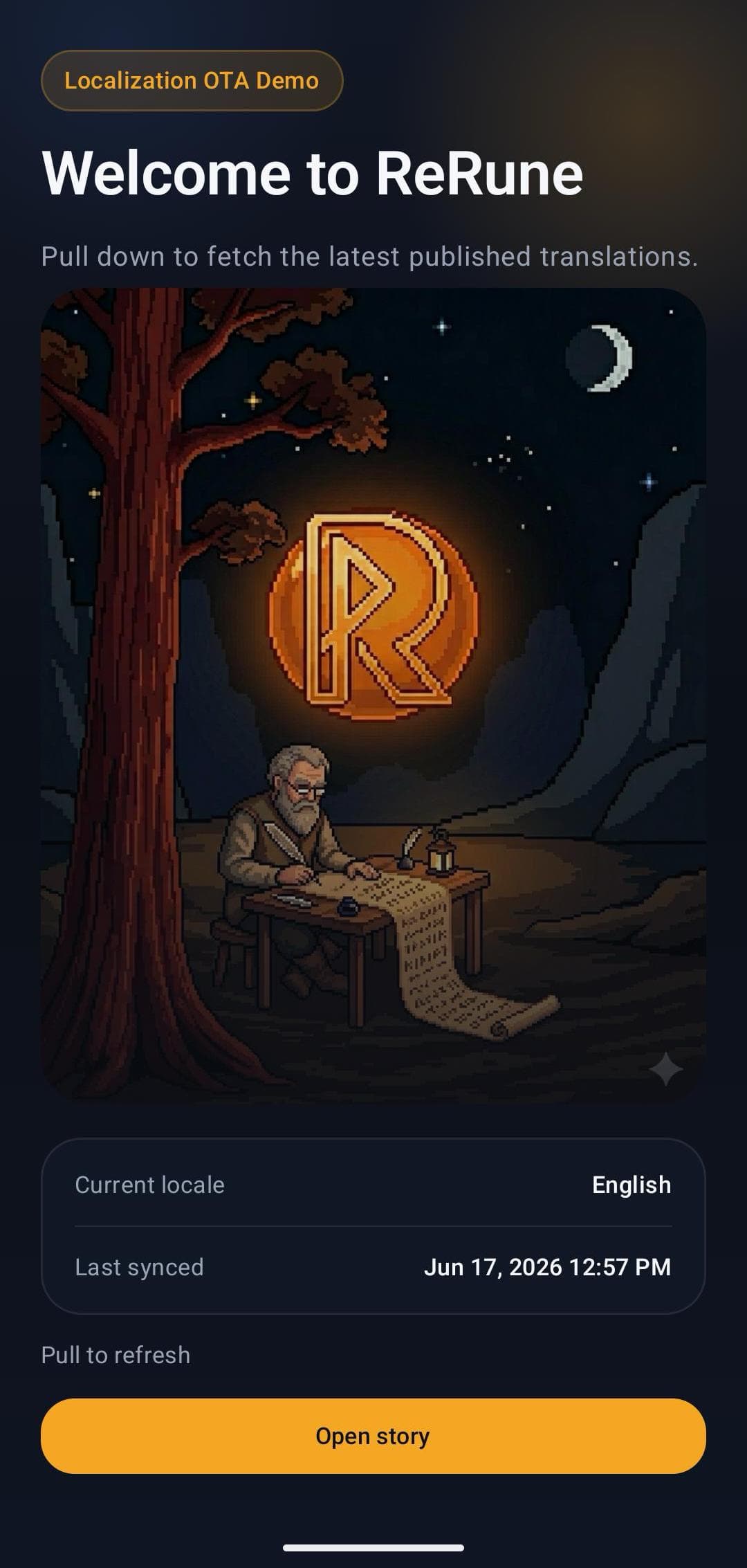
ReRune OTA demo mobile app landing screen with live localization status

Common challenge

POEditor delivers translations through Git integrations, its API and file export. Translations delivered through Git integrations or file export reach users with the next app release or deploy. Its plan limits also count every term and every translation, so each new language uses up the plan faster.

Best fit

Mobile and web teams that localize into three or more languages and want to update approved copy after release.

How ReRune helps

ReRune controls what reaches running apps: preview drafts, publish, target audiences and restore an earlier publication. Every plan includes the full workspace and unlimited seats; plans differ only in keys and monthly OTA quota.

Where ReRune goes further

What ReRune adds beyond POEditor

Managing translations is only half the job. ReRune also controls what reaches your users, when, and for whom. Competitor notes reflect each vendor's public documentation in November 2026.

Fix live app text without a release

Publish a typo fix, a legal change, or a new language, and every supported app picks it up on its next update check, without waiting for a new store release or a redeploy. ReRune ships OTA SDKs for React, React Native, Angular, Flutter, Android, iOS, and Kotlin Multiplatform, each with an on-device cache and fallback to bundled strings.

POEditor's public documentation (November 2026) describes delivery through Git integrations, its API, and file export. It does not document a first-party OTA SDK.

See drafts in the real app before your users do

Turn on staging in a development or QA build to see saved drafts, unfinished translations, and new keys inside the running app. Production users keep the published text until you publish.

POEditor's public documentation (November 2026) describes no preview of drafts inside a running app.

Roll back published text

Publication history keeps earlier published versions of each key. Preview an earlier snapshot and restore it to live apps, while the draft you are working on stays untouched.

POEditor (November 2026) keeps a change history of translations from its Start plan, with recovery of a language's last recorded translations. Its documentation describes no publish step and no restore of an earlier published version to running apps.

One key, many audiences

Store different messages under the same key for A/B tests, white-label brands, or Free and Pro plans. Your app picks the variant and Main text is the fallback, so there are no duplicated keys and no forked copy.

POEditor's public documentation (November 2026) describes no audience variants of a string.

Each key counts once

A ReRune plan counts translation keys. Adding a language adds no keys, so a project with 1,500 keys uses 1,500 keys of its plan in two languages or in ten. Every plan includes unlimited seats, languages, and projects.

November 2026: POEditor plan limits count strings, the sum of terms and translations. 1,500 terms fully translated into four target languages use 7,500 strings, which needs Plus at $60/month on monthly billing (POEditor lists prices in $ and does not mention VAT). The same project fits ReRune Starter at €19.95/month including VAT.

Feature comparison

ReRune and POEditor, feature by feature

From each product's public documentation and pricing page in November 2026. “Not documented” means POEditor's reviewed sources do not describe the feature. Plan names show where POEditor unlocks a feature. Every ReRune feature in this table is on every plan.
FeatureReRunePOEditor (November 2026)
Where ReRune goes further
OTA SDKs that update text in running appsAvailableReact, React Native, Angular, Flutter, Android, iOS and Kotlin MultiplatformNot documentedDelivery through Git, the API and file export
Preview drafts inside a running test buildAvailableNot documented
Publish step and restore of an earlier published versionAvailableRestore an earlier published version of a key to live appsPartlyChange history with translation recovery from Start, and no publish step documented
Audience variants under one key (A/B tests, brands, plans)AvailableNot documented
Official CLI for pull and pushAvailableNot documentedLists community-built tools
Unlimited seats on the free planAvailablePartlyUp to 5 contributors on Free; unlimited from Start
Offered by both
APIAvailableAvailable
Official MCP serverAvailableAvailable
Machine and AI translation with your own provider accountAvailableDeepL and OpenRouterAvailableYour own LLM on every plan, and Google, Azure AI Translator and DeepL with your own API keys from Start
Plural formsAvailableAvailable
Screenshots as context for keysAvailableUpload in the dashboard and mark where each key appearsAvailableUp to 20 images on Free, 1,000 per account on paid plans
GlossaryAvailableWith CSV import and exportAvailableFrom Premium
Comments and tags on keysAvailableAvailable
Team roles and permissionsAvailableAvailable
Unlimited projectsAvailableAvailable
Common app formats (ARB, Android XML, iOS Strings, XLIFF, JSON, PO, YAML)AvailableAvailable
Where POEditor goes further
Slack and Microsoft Teams integrationsNot availableAvailableFrom Plus
WebhooksNot availableAvailableFrom Premium
Single sign-on (SSO)Not availableAvailableEnterprise plan
Crowdsourcing and ordered human translationNot availableAvailable
Figma pluginNot availableComing soon to Figma CommunityAvailable

Pricing compared

How the count changes with every language.

Cheapest plan on monthly billing on each side, from both public pricing pages in November 2026. ReRune prices include VAT, while POEditor shows prices in $ and does not mention VAT. POEditor counts terms plus translations: each key is one term, and each translation of it in a target language is one more string. The examples assume every key is translated into every target language. If the source text is also stored as a language, each key uses one more string.

400 keys, 1 target language

400 terms + 400 translations = 800 POEditor strings, which fit its Free plan. ReRune Free holds 300 keys, so this project needs Starter at €19.95. Here POEditor costs less.

1,500 keys, 4 target languages

1,500 terms + 6,000 translations = 7,500 POEditor strings once every language is complete, which need Plus at $60. On ReRune the project fits Starter at €19.95.

4,000 keys, 5 target languages

4,000 terms + 20,000 translations = 24,000 POEditor strings once every language is complete, which need Premium at $160. On ReRune the project fits Team at €47.70.

10,000 keys, 8 target languages

10,000 terms + 80,000 translations = 90,000 POEditor strings once every language is complete, which need Enterprise at $260. On ReRune the project fits Plus at €110.50.

Switching

Switch without rewriting your app.

POEditor delivers translations as files through Git integrations, its API, or exports, so your app already reads standard resource files. Keep those files and lookups, add the ReRune SDK and its setup call with one read-only OTA Publish ID, and sync the files with the ReRune CLI.
  1. Web and React Native keep i18next

    ReRune wraps i18next and react-i18next, so your JSON catalogs and t() calls stay the same. ReRune.setup replaces i18n.init.

  2. Angular keeps its pipes

    ReRune wraps ngx-translate or Transloco, so the translate and transloco pipes stay in your templates. ReRune.setup replaces the provider setup.

  3. Flutter, Android, and iOS keep native lookups

    Flutter keeps gen-l10n ARB files and AppLocalizations, Android keeps strings.xml and getString, and iOS keeps NSLocalizedString. You add the ReRune setup call and a small platform hook.

  4. Your files and CLI workflow move with you

    Import existing files in standard formats such as ARB, strings.xml, Localizable.strings, XLIFF, and i18next JSON, then push and pull with the ReRune CLI. Your app keeps standard i18n, so your codebase is not tied to ReRune either.

Workflow

From app copy to release-ready localization.

ReRune connects translation management to the delivery path developers already use: dashboard work, AI assistance, CLI/API sync, and OTA updates where a supported SDK is installed.

Collect product text

Manage keys, languages, values, placeholders, glossaries, metadata, and project context before translation work spreads across files and messages.

Translate with context

Use DeepL or OpenRouter-assisted translation flows with glossary terms and product context close to the text being reviewed.

Sync through developers

Use CLI/API workflows to move approved translations into repositories, CI/CD jobs, scripted release tasks, or custom platform integrations.

Deliver safely

Export platform formats or publish OTA updates for supported SDKs while keeping bundled app resources as the safe fallback.

Setup WizardAI Coding Agent

One command. A wizard sets the stage, your AI agent ships it.

Run the onboarding command from the root of your Git repository. The wizard inspects the app and confirms the plan with you, with no AI involved and nothing changed yet. Then it opens the coding agent you already use with a complete migration workflow.

Run inside your Git repository

curl -fsSL https://rerune.io/onboard.sh | sh

The script runs locally. ReRune does not receive your source code or list of installed agents.

Coding agent integrations

11 integrations: 4 available now, 7 planned.

  • Claude CodeReady
  • CodexReady
  • OpenCodeReady
  • PiReady
  • GitHub Copilot CLIPlanned
  • GoosePlanned
  • Qwen CodePlanned
  • Cursor AgentPlanned
  • Kiro CLIPlanned
  • Cline CLIPlanned
  • Factory DroidPlanned

Developer delivery

Sync through the CLI. Publish through OTA SDKs.

Use the ReRune CLI locally or in CI/CD to manage project translations, then deliver approved runtime updates through the SDK built for your app.

Companion CLI

Install the ReRune CLI

Use the ReRune CLI to sync, validate, and manage translations right from your terminal. Run syncs in CI/CD or locally whenever you need to push a new language.

Homebrew (macOS/Linux):

brew install BasalBit/tap/rerune
  • Downloadable builds for macOS, Linux, and Windows
  • Uses the API keys you generate in the dashboard
  • Fits scripted CI/CD workflows through CLI and API access
rerune

Connect the project

Create the project config and connect the repository to its ReRune workspace.

rerune pull

Pull approved updates

Bring current dashboard translations into the app or its build workflow.

rerune push

Push local changes

Send local translation updates back to ReRune for the team to manage and publish.

SDK directory

Use the current public SDK for each product surface.

Public ReRune SDKs for Flutter, Android, iOS, Kotlin Multiplatform, React, React Native, and Angular support runtime variant selection with Main and bundled fallback.

Flutter        rerune ^1.9.1
Android        rerune-android-compose:1.8.0
               rerune-android-views:1.8.0
iOS            ReRune 1.7.0
KMP            rerune-kmp-compose:1.0.0
React          @rerune/react@1.9.0
React Native   @rerune/react-native@1.9.0
Angular        @rerune/angular@1.9.0

Questions

Questions teams ask before choosing a localization platform.

Contact the ReRune team

Share an idea, report a problem, or ask for help with ReRune.

Which features does ReRune add over POEditor?

ReRune ships OTA SDKs for React, React Native, Angular, Flutter, Android, iOS and Kotlin Multiplatform that update text in running apps, previews saved drafts inside test builds, stores audience variants under one key, and restores an earlier published version of a key to live apps. It also has an official CLI and unlimited seats on every plan, including Free. POEditor's public documentation (November 2026) describes no OTA SDK, draft preview, audience variants, publish step or official CLI. It lists community-built CLIs and unlimited contributors from its Start plan. Both offer an API, an MCP server and AI translation with your own provider account. POEditor has a Figma plugin, and the ReRune plugin for Figma is coming soon to Figma Community.

Can I update app text after release?

With ReRune, you publish approved text changes, and the ReRune SDK in the running app picks them up on its next update check. SDKs are available for React, React Native, Angular, Flutter, Android, iOS, and Kotlin Multiplatform, and the strings bundled in the app remain the fallback. POEditor's public documentation (November 2026) describes delivery through Git integrations, its API, and file export. It does not document a first-party over-the-air SDK.

How does ReRune's pricing compare with POEditor's?

POEditor's plan limits count strings, which means every source term plus each of its translations. ReRune counts each translation key once, however many languages it has. A project with 1,500 keys fully translated into four target languages uses 7,500 POEditor strings, which needs the Plus plan at $60 per month on monthly billing (POEditor lists prices in $ and does not mention VAT). On ReRune it fits the Starter plan at €19.95 per month including VAT. These prices are taken from both public pricing pages in November 2026.

Is POEditor cheaper for small projects?

It can be. POEditor's free plan holds 1,000 strings, which is about 500 keys with one target language. ReRune's free plan holds 300 keys. With one or two target languages, some larger POEditor plans also hold more keys for their price, and POEditor is free for open-source projects with an OSI-approved licence. From three target languages, every ReRune plan holds at least as many keys as the POEditor plan nearest to it in price.

Which POEditor features does ReRune not offer?

Depending on the plan, POEditor offers translation memory, Git integrations, Slack and Teams integrations, automated workflows, webhooks, an audit log, and SSO, plus crowdsourcing and ordered human translation, as listed in November 2026. ReRune does not offer these. Both offer an API, an MCP server, AI translation with your own provider account, a glossary, and screenshots as visual context for keys.

Explore next

Go deeper into the developer, platform, and delivery workflows connected to this page.

Localazy alternative for teams that want OTA updates on web, mobile, and Flutter apps.

Web and mobile OTA SDKs, audience variants, and unlimited seats, languages, and projects. Compare ReRune with Localazy on SDK coverage, variants, and pricing.

Crowdin alternative for software teams that localize app releases.

Audience variants, CLI/API sync, OTA, and unlimited seats, languages, and projects. Compare ReRune with Crowdin on variants, manager seats, and pricing.

Lokalise alternative for teams that want developer-first app localization.

Compare ReRune with Lokalise on audience variants, team pricing, CLI/API sync, and OTA delivery. Unlimited seats, languages, and projects on every ReRune plan.

OTA localization updates without making every copy fix a release.

Deliver published app text through ReRune OTA SDKs, preview enabled drafts in staging clients, and keep production caches isolated with fallback and rollback.

One workspace

Start with one product workflow and expand from there.

Create projects, manage keys, use AI assistance with context, sync through CLI/API, and publish approved runtime updates when your app uses a supported ReRune SDK.