
Skip to content

Kotlin Multiplatform localization SDK for shared Compose UI.

ReRune Kotlin Multiplatform SDK 1.0.0 delivers approved text to shared Compose Multiplatform screens on Android, iOS and desktop, with runtime variants, staging and your bundled resources as the fallback.
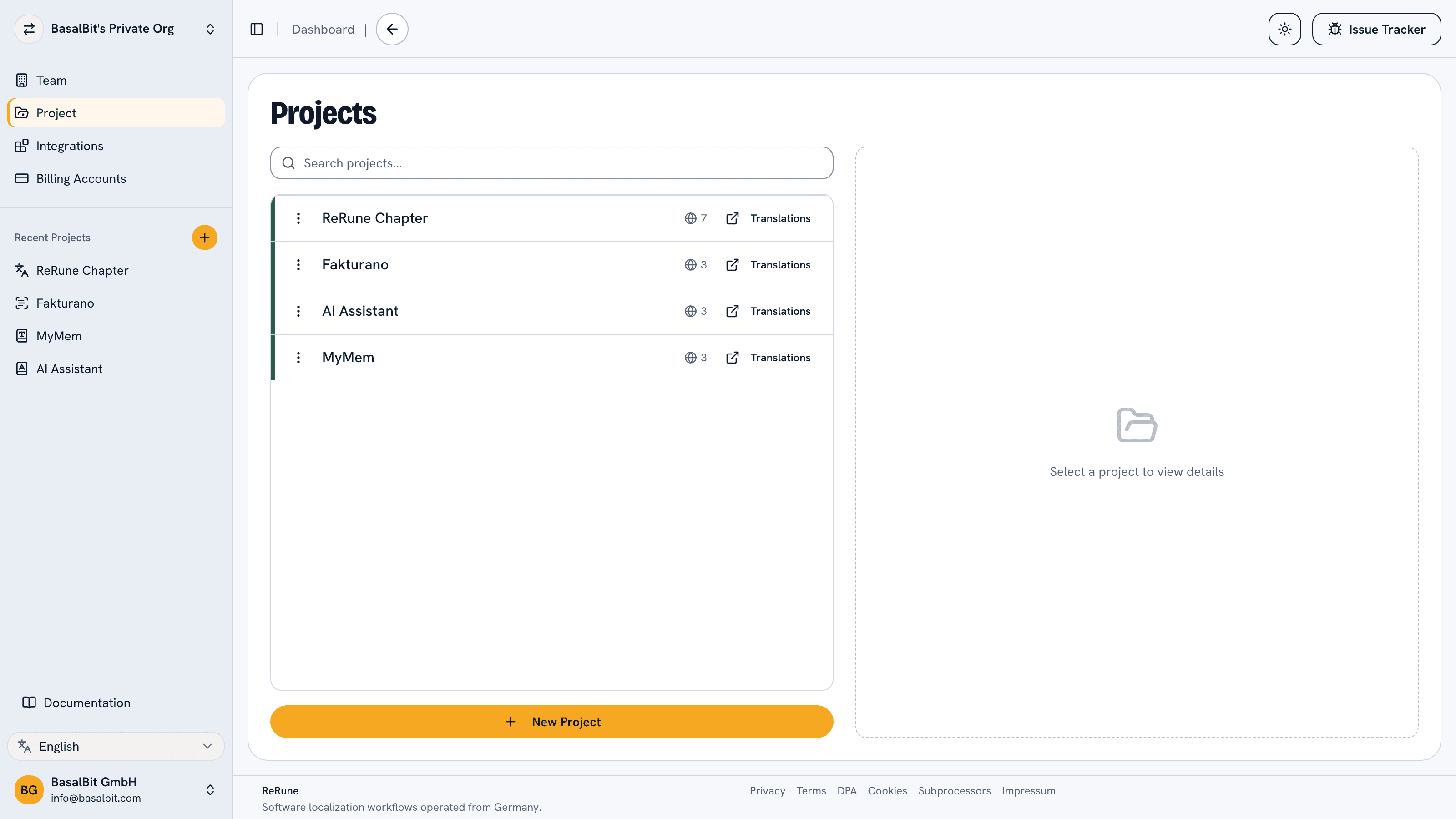
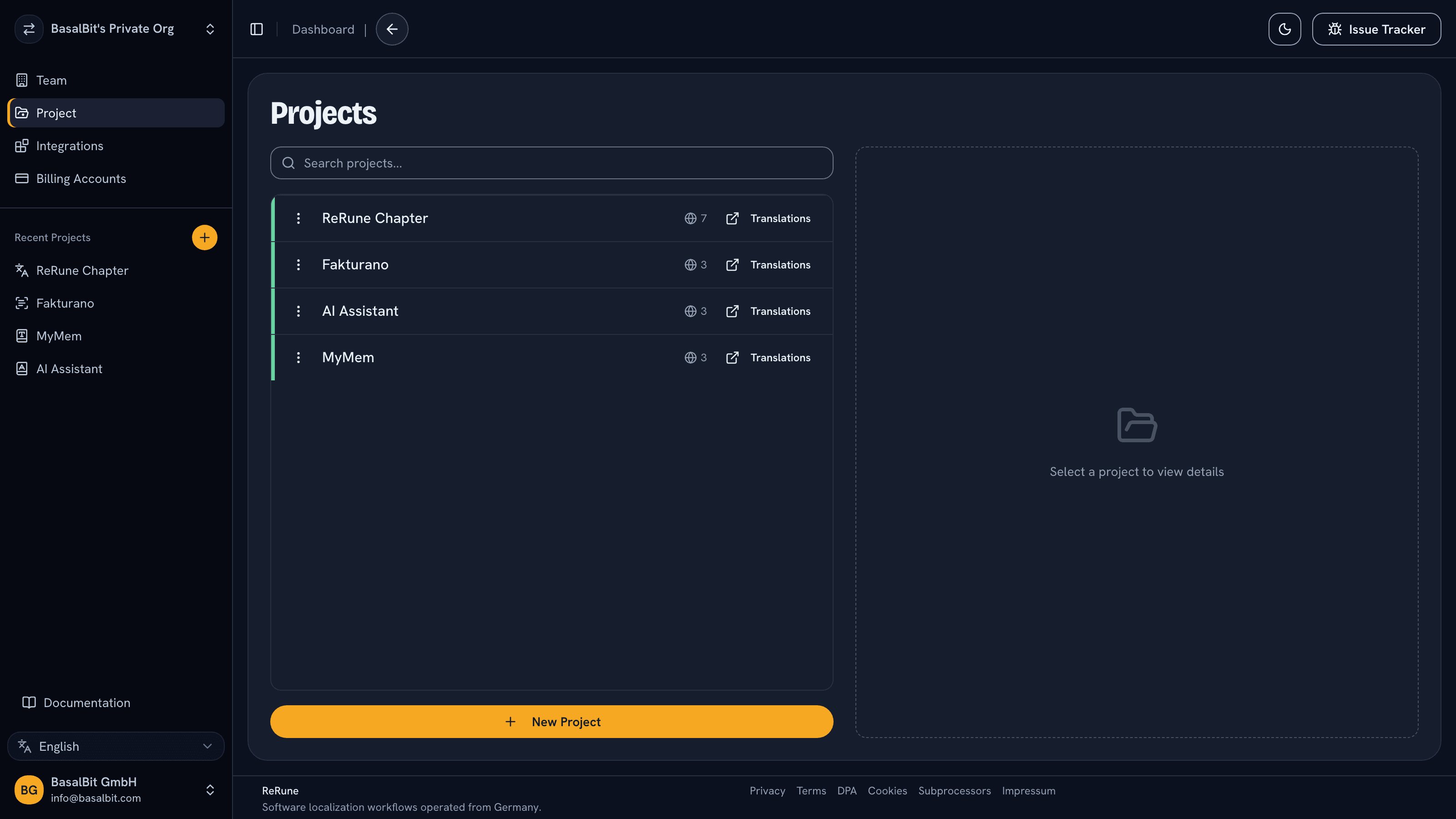
ReRune projects list showing real localization projects in a workspace
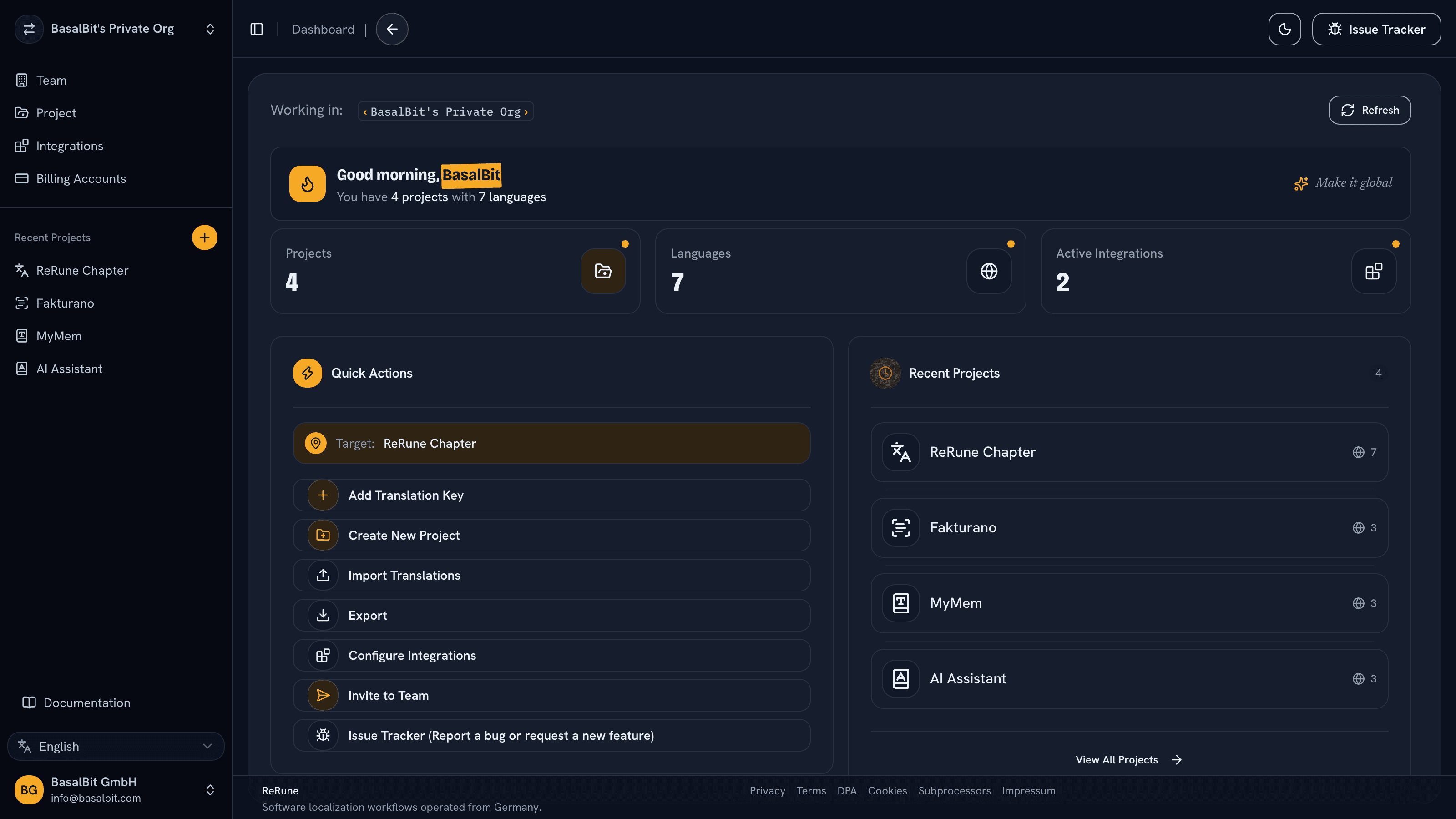
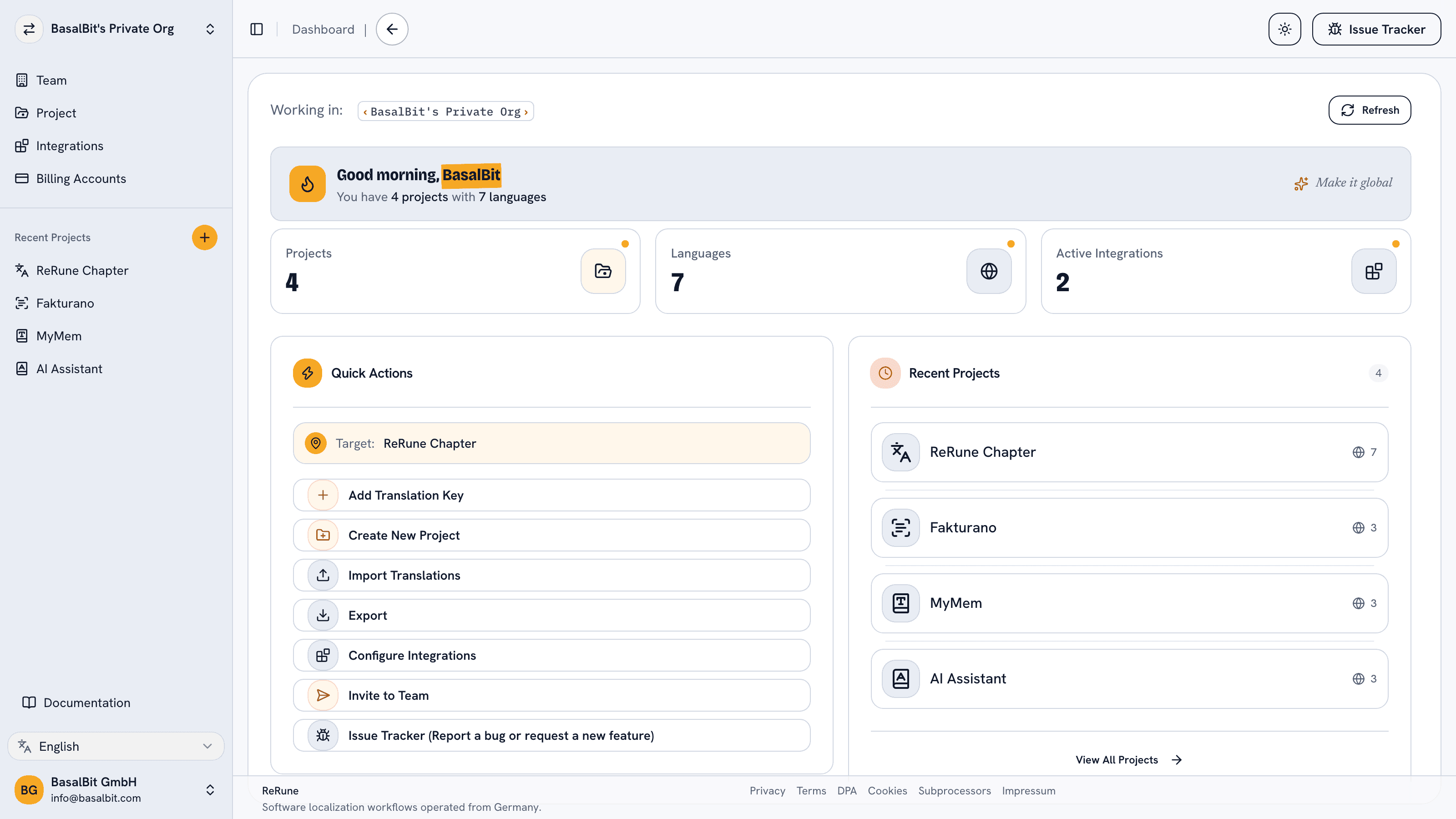
ReRune dashboard showing localization workspace activity and project statusReRune dashboard showing localization workspace activity and project statusReRune dashboard showing localization workspace activity and project status
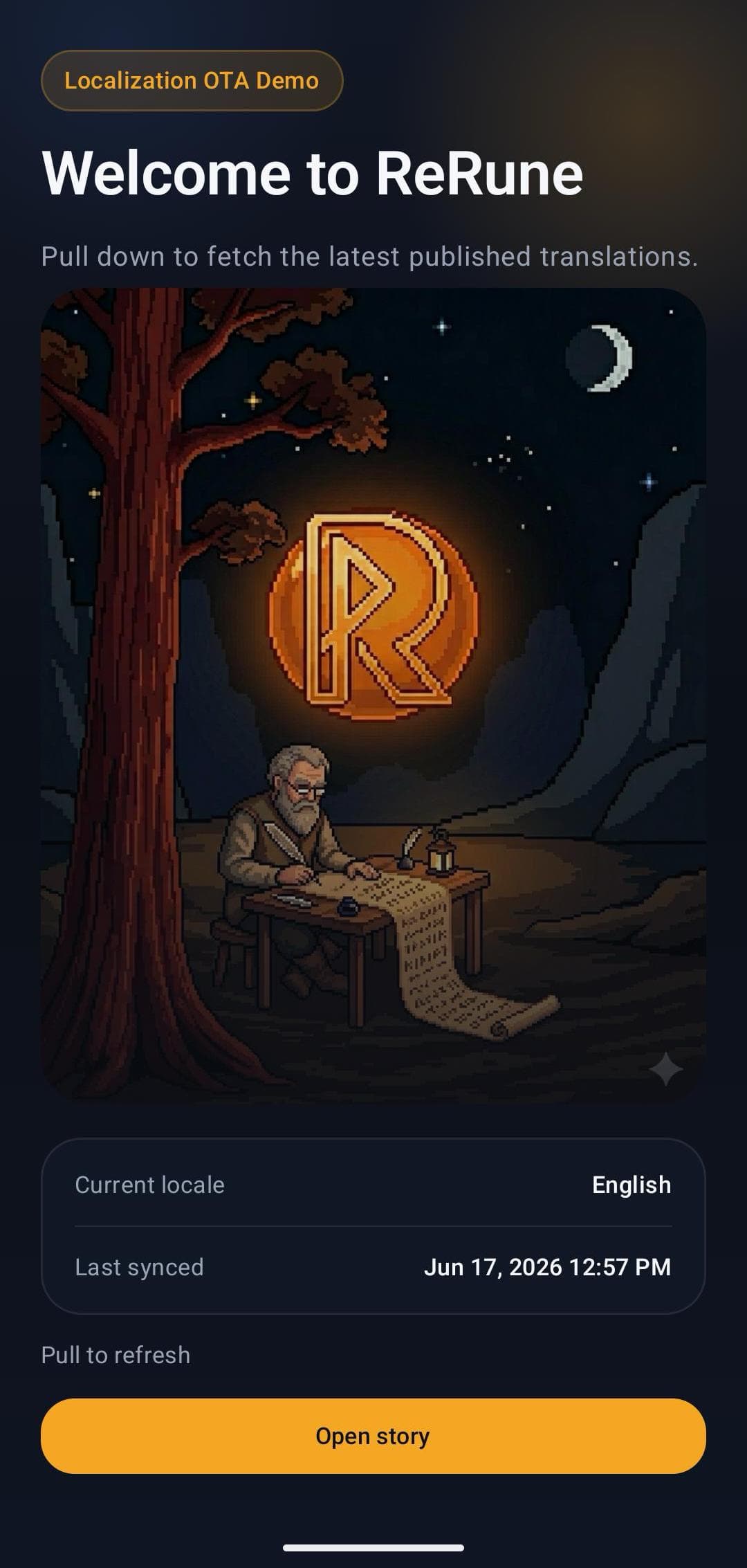
ReRune OTA demo mobile app landing screen with live localization status

Common challenge

Compose resources are the safe baseline, but every text change in a shared UI still waits for a release on each platform.

Best fit

Teams that share Compose Multiplatform UI across Android, iOS and desktop and want to update approved copy after release from one workspace.

How ReRune helps

One commonMain dependency covers every target, and ReRune keeps keys, languages, glossary, drafts and publishing in the same workspace that delivers text to the shared UI.

Kotlin Multiplatform specifics

Your generated resources, with one ReRune call per lookup.

ReRune Kotlin Multiplatform 1.0.0 reads the same composeResources and Res accessors your screens use, and falls back to the bundled text whenever it has no usable value.
  1. Drop-in lookup functions

    reRuneStringResource, reRunePluralStringResource, reRuneGetString and reRuneGetPluralString take the same arguments as their Compose Multiplatform counterparts. Compose Multiplatform has no public hook for changing what stringResource returns, so plain calls keep showing bundled text.

  2. Composables refresh on their own

    Composable call sites update when new text arrives, with no wrapper. ReRune checks for updates when the app starts and every time it returns to the foreground.

  3. Region-aware language lookup

    Each key looks for dashboard text in the phone's language, closest region first, then the app's own text for languages it declares, then the main language. Every published language is cached, so a switch also works offline.

  4. Keep resource keys compiled

    OTA replaces values for keys your app already ships in composeResources. New keys and new UI code still need an app release.

SDK technical reference

ReRune for Kotlin Multiplatform

Ship OTA localization updates and runtime variants in shared Compose Multiplatform UI on Android, iOS and desktop, with your bundled resources as the fallback.

Version-pinned guidance from the ReRune documentation. The package is published on Maven Central.

Package
io.rerune:rerune-kmp-compose
Current release
1.0.0
Requirements
Kotlin 2.1.21+, Compose Multiplatform 1.8.2+, Android API 23+, iosArm64 and iosSimulatorArm64, desktop JVM

Install command

commonMain.dependencies {
  implementation("io.rerune:rerune-kmp-compose:1.0.0")
}

README at a glance

Runtime contract

  • Add io.rerune:rerune-kmp-compose from Maven Central to commonMain and call ReRune.setup once at startup
  • Swap stringResource, pluralStringResource, getString and getPluralString for their ReRune versions; resource files and Res accessors stay the same
  • Composables update on their own when new text arrives, with no wrapper
  • Shows bundled text before setup and whenever ReRune has no usable value
  • Select Main or a named translation variant at setup or runtime
  • Preview enabled drafts in an isolated staging mode before publishing
Compose MultiplatformAndroidiOSDesktop (JVM)Kotlin

Quick Start

Compose Multiplatform quick start

// shared/build.gradle.kts
commonMain.dependencies {
  implementation("io.rerune:rerune-kmp-compose:1.0.0")
}

// Once at startup
ReRune.setup(
  otaPublishId = "your-ota-publish-id",
  variant = ReRuneVariant.fromSlug("customer_acme"),
)

@Composable
fun Greeting(userName: String, count: Int) {
  Text(reRuneStringResource(Res.string.greeting))
  Text(reRuneStringResource(Res.string.welcome_user, userName))
  Text(reRunePluralStringResource(Res.plurals.item_count, count, count))
}

Same resources, one call each

reRuneStringResource, reRunePluralStringResource, reRuneGetString and reRuneGetPluralString mirror the Compose Multiplatform functions of the same shape. A screen that still calls plain stringResource(...) compiles and shows bundled text only.

What still matters

Keep ReRune.setup(...) at startup with the read-only OTA Publish ID. On Android, ReRune captures the application context itself unless your app removes its provider from the manifest.

Workflow

From app copy to release-ready localization.

ReRune connects translation management to the delivery path developers already use: dashboard work, AI assistance, CLI/API sync, and OTA updates where a supported SDK is installed.

Install the SDK

Connect the supported app runtime to a ReRune publish ID while keeping native or framework localization behavior in place.

Publish approved text

Approve translation changes in the workspace, then publish runtime updates without turning every text fix into a full store release.

Refresh visible copy

Let supported SDK hooks check for updates and refresh text when new approved localization payloads are available.

Keep fallbacks intact

When runtime updates are unavailable, the app keeps reading bundled resources so localization failures do not break the product.

Setup WizardAI Coding Agent

One command. A wizard sets the stage, your AI agent ships it.

Run the onboarding command from the root of your Git repository. The wizard inspects the app and confirms the plan with you, with no AI involved and nothing changed yet. Then it opens the coding agent you already use with a complete migration workflow.

Run inside your Git repository

curl -fsSL https://rerune.io/onboard.sh | sh

The script runs locally. ReRune does not receive your source code or list of installed agents.

Coding agent integrations

11 integrations: 4 available now, 7 planned.

  • Claude CodeReady
  • CodexReady
  • OpenCodeReady
  • PiReady
  • GitHub Copilot CLIPlanned
  • GoosePlanned
  • Qwen CodePlanned
  • Cursor AgentPlanned
  • Kiro CLIPlanned
  • Cline CLIPlanned
  • Factory DroidPlanned

Coverage

App-first does not mean mobile-only.

Start where localization creates release friction, then keep web, mobile, and cross-platform products in one shared workspace as your surface area grows.

Developer delivery

Sync through the CLI. Publish through OTA SDKs.

Use the ReRune CLI locally or in CI/CD to manage project translations, then deliver approved runtime updates through the SDK built for your app.

Companion CLI

Install the ReRune CLI

Use the ReRune CLI to sync, validate, and manage translations right from your terminal. Run syncs in CI/CD or locally whenever you need to push a new language.

Homebrew (macOS/Linux):

brew install BasalBit/tap/rerune
  • Downloadable builds for macOS, Linux, and Windows
  • Uses the API keys you generate in the dashboard
  • Fits scripted CI/CD workflows through CLI and API access
rerune

Connect the project

Create the project config and connect the repository to its ReRune workspace.

rerune pull

Pull approved updates

Bring current dashboard translations into the app or its build workflow.

rerune push

Push local changes

Send local translation updates back to ReRune for the team to manage and publish.

Questions

Questions teams ask before choosing a localization platform.

Contact the ReRune team

Share an idea, report a problem, or ask for help with ReRune.

Which platforms does the Kotlin Multiplatform SDK support?

Shared Compose Multiplatform UI on Android (API 23 and later), iOS (iosArm64 and iosSimulatorArm64) and desktop on the JVM. It needs Kotlin 2.1.21 or newer and Compose Multiplatform 1.8.2 or newer; newer Kotlin and Compose versions work too.

Do I have to change my resource files?

No. Keep your composeResources files and the generated Res accessors. Add io.rerune:rerune-kmp-compose to commonMain, call ReRune.setup once with the read-only OTA Publish ID, and replace stringResource, pluralStringResource, getString and getPluralString with their ReRune versions, which take the same arguments.

Why doesn't ReRune update plain stringResource calls?

Compose Multiplatform offers no public way for a library to change the text that stringResource and its siblings return. The alternatives rely on Compose internals or a Kotlin compiler plugin, which a Compose or Kotlin update can break, so ReRune avoids them and ships counterparts with the same arguments instead. We have asked JetBrains for a public hook in issue CMP-11130.

Which language does a text come from?

Lookups follow the locale Compose resources use. ReRune tries dashboard text in the phone's language, closest region first, then the app's own text when the app declares that language, then dashboard text in the main language, and finally the app's own text. Another script never counts, so zh-TW never shows Simplified Chinese.

What happens offline or when an update fails?

Every published language is downloaded and cached, and cached texts are kept out of device backups. A failure inside ReRune never reaches the app: lookups show the bundled text instead.

Explore next

Go deeper into the developer, platform, and delivery workflows connected to this page.

Android localization SDK for native app text updates.

Use ReRune Android Compose or Views SDK 1.8.0 for OTA strings and runtime variants with per-key Main and native resource fallback.

iOS localization SDK for native app text updates.

Use ReRune iOS SDK 1.7.0 for OTA localization and runtime variants through native Bundle.main lookups with SwiftUI or UIKit refresh hooks.

OTA localization updates without making every copy fix a release.

Deliver published app text through ReRune OTA SDKs, preview enabled drafts in staging clients, and keep production caches isolated with fallback and rollback.

One workspace

Start with one product workflow and expand from there.

Create projects, manage keys, use AI assistance with context, sync through CLI/API, and publish approved runtime updates when your app uses a supported ReRune SDK.