
Common challenge
App-store release cycles are too slow for every copy fix, translation refinement, or newly supported language.
ReRune SDKs deliver approved text across Flutter, Android, iOS, React, React Native, and Angular. OTA staging adds an opt-in preview path for enabled drafts while production clients keep receiving published content.
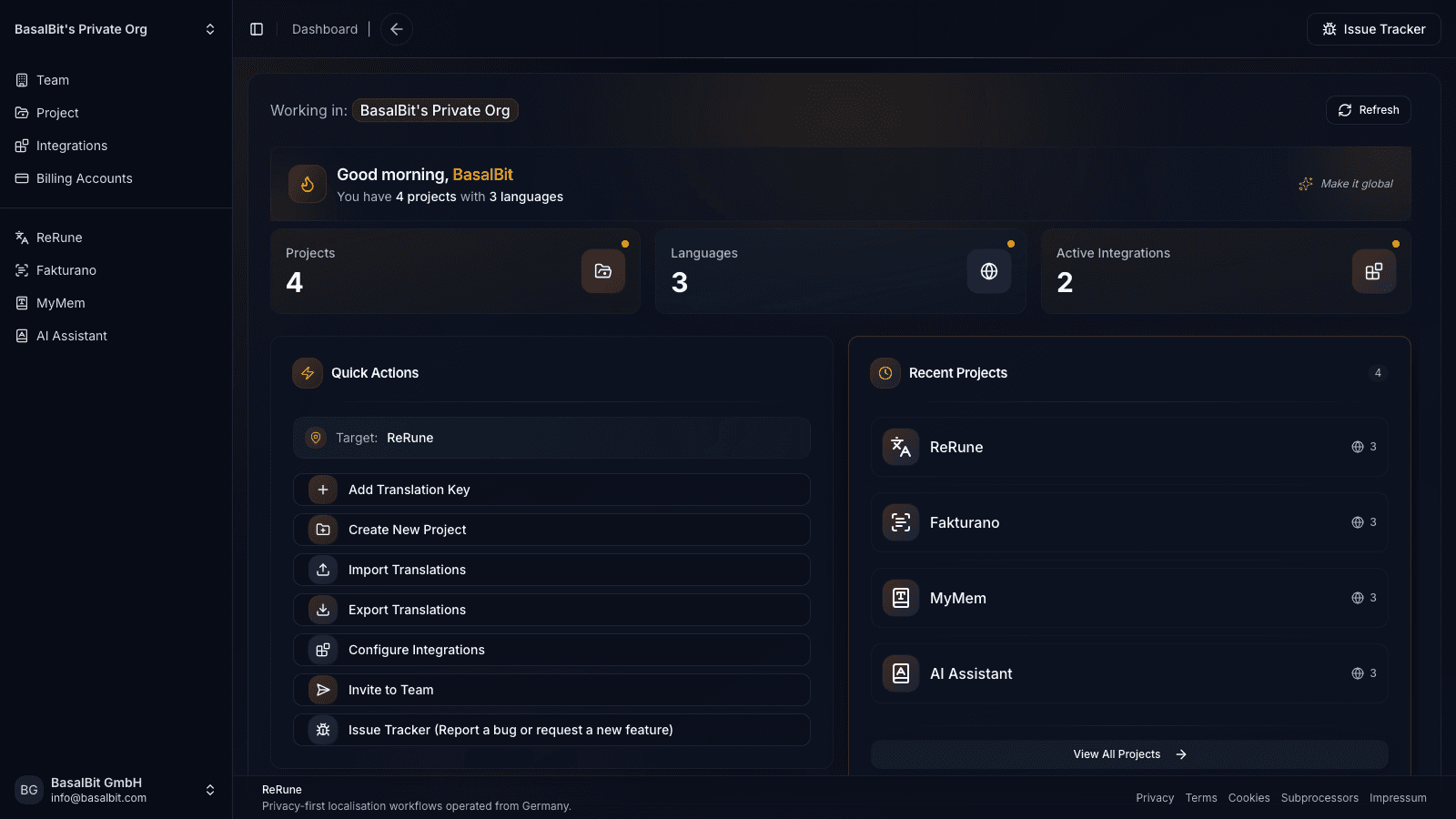
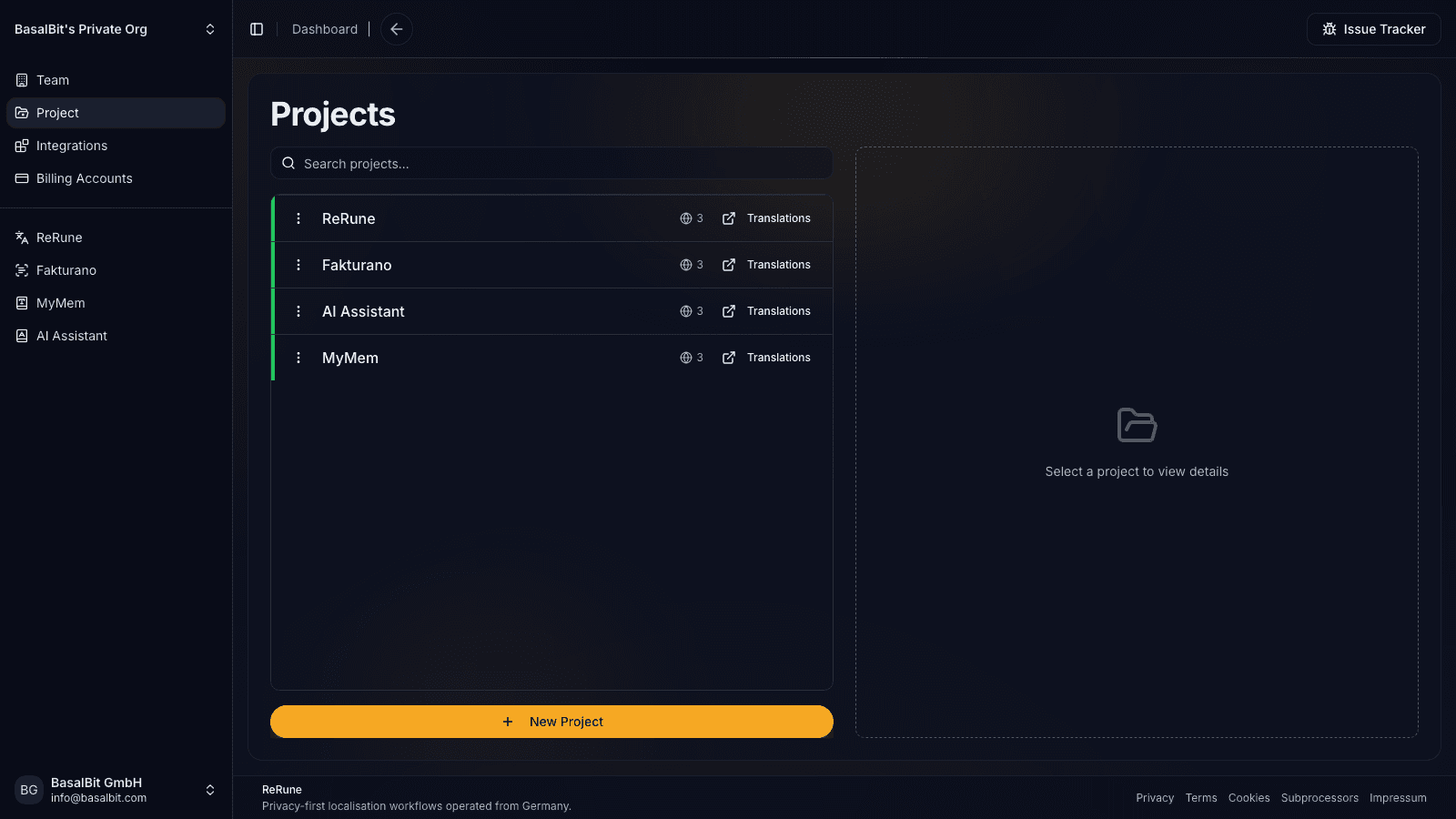
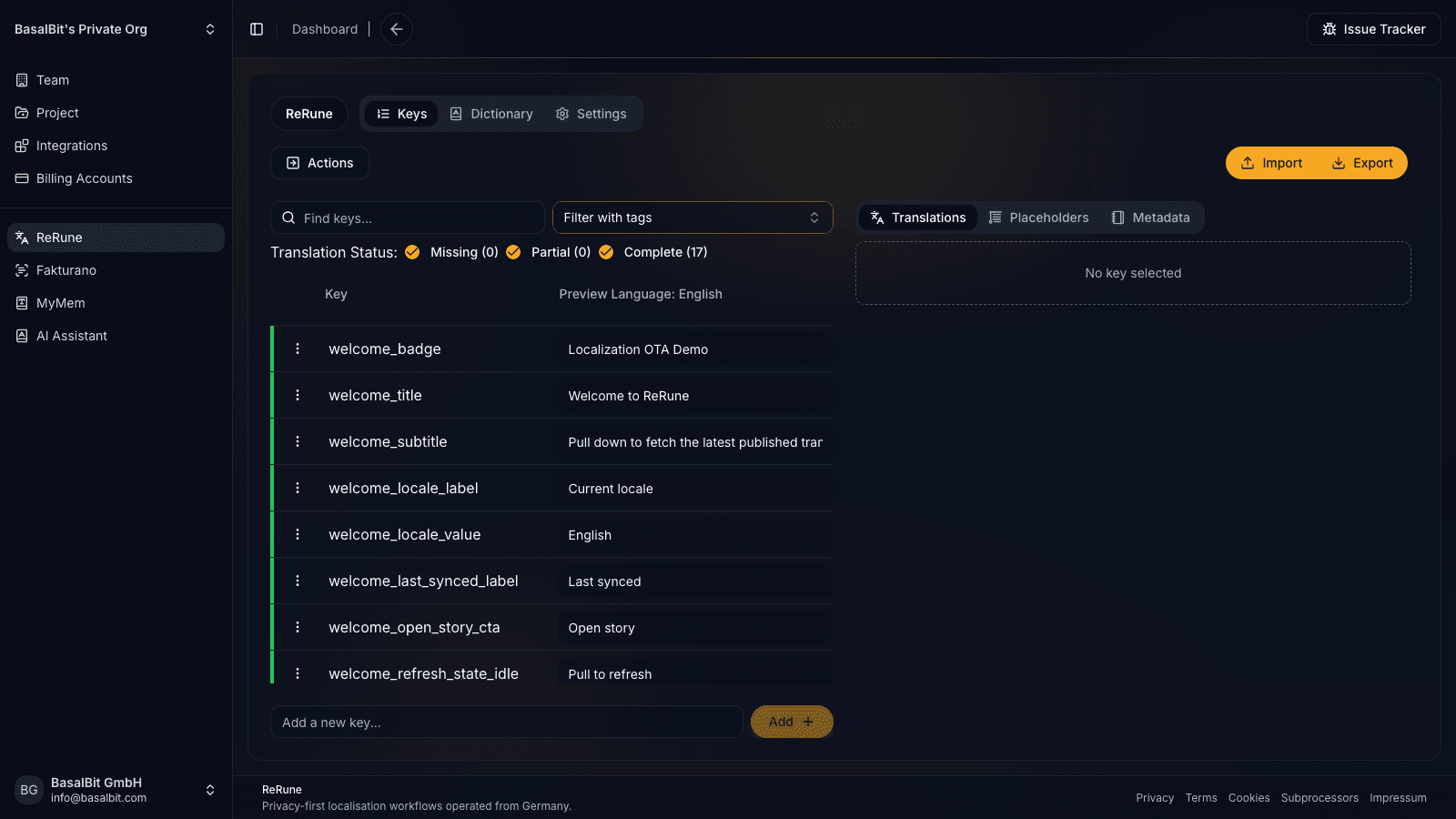
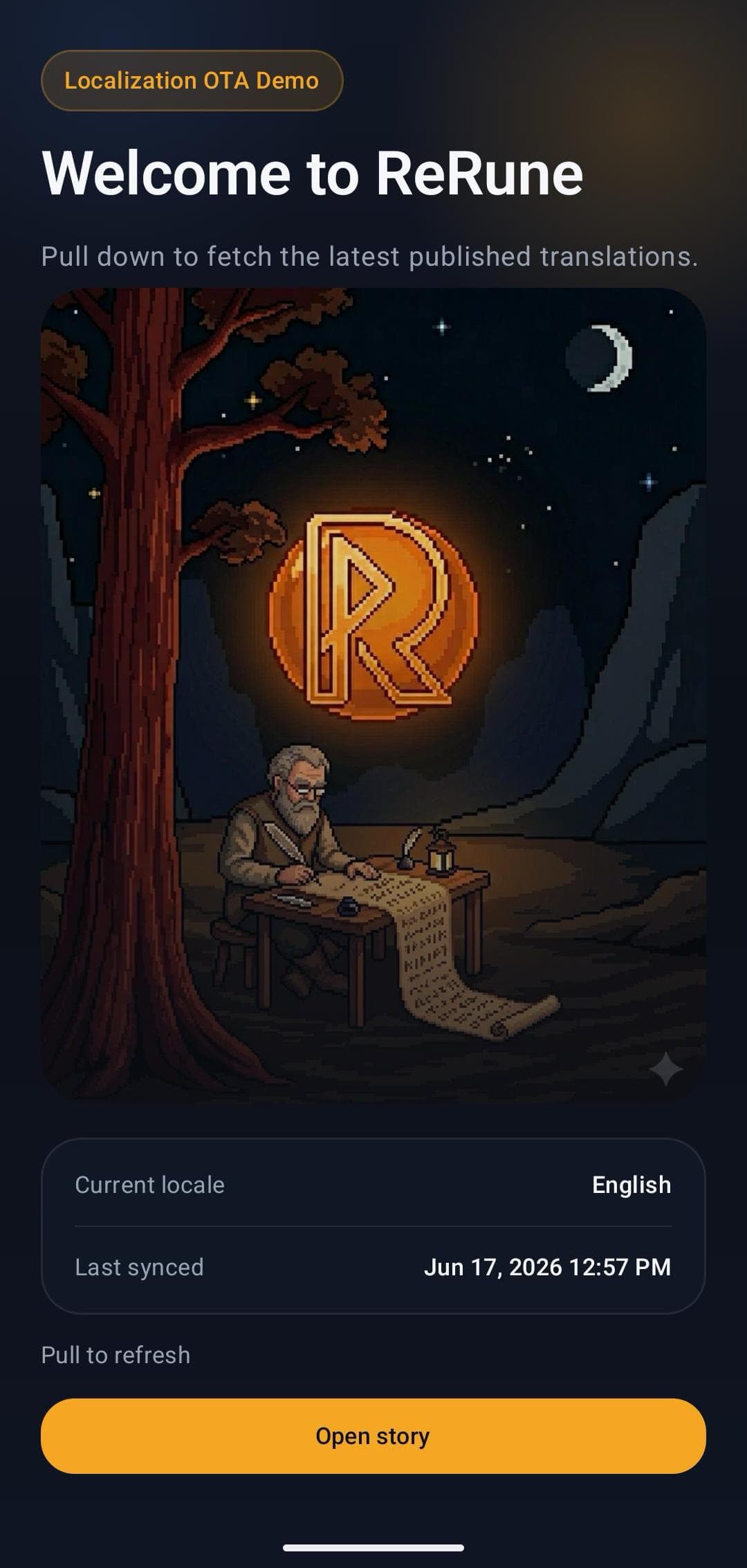
App-store release cycles are too slow for every copy fix, translation refinement, or newly supported language.
Flutter, Android, iOS, React, React Native, and Angular products that need reviewed text delivered safely at runtime.
ReRune treats OTA as one delivery option inside the localization platform, not a detached runtime patching tool.
Update lifecycle
ReRune OTA localization adds a runtime overlay to the application's existing localization layer. The public SDKs keep their framework APIs and bundled resources while synchronizing approved locale payloads.
Project staging and SDK staging are separate opt-ins. A staging client synchronizes complete draft snapshots into an isolated cache; production clients continue on published manifests and caches.
A supported SDK uses its publishable OTA ID to request the ReRune manifest, compare the published locale versions with local state, and fetch locale payloads that changed.
Previously applied locale data can be restored on a later startup. When no matching cache or network update is available, the app continues from its bundled localization resources.
Remote values override matching bundled keys. Missing remote values continue through the published main-language fallback and then the application's native or framework fallback instead of blanking the UI.
OTA changes text the installed SDK already knows how to render. New code paths, compiled resource identifiers, placeholder signatures, native system strings, and store metadata can still require a normal release.
Edit approved copy, publish it, and refresh the app without a new store release.
Edit
Update approved copy.
Publish
Create the OTA update.
Refresh
Load it in the app.
Enable OTA staging for a project, opt a test build into staging mode, and sync enabled drafts, including unfinished and never-published keys, without changing what production apps receive.
Enable project staging
Turn on the preview path once for the project.
Connect a test app
Start or switch the SDK into staging mode.
Review the next sync
Check draft copy in context, then publish when it is ready.
Production stays published
Other SDK requests keep receiving the last published translations.
Staging preview downloads use the normal OTA quota.
Publication rollback
Preview an earlier publication and restore it as the live version for apps using ReRune.
Open the translation key’s publication history and inspect the saved snapshot before restoring it.
Make the selected snapshot live again. ReRune records the rollback in publication history and leaves the current editor draft unchanged.
Apps receive the restored text on their next successful update check. The video shows this with a Flutter app.
This restores published localization content. App code and layout changes still follow your normal release process.
Workflow
ReRune connects translation management to the delivery path developers already use: dashboard work, AI assistance, CLI/API sync, and OTA updates where a supported SDK is installed.
Connect the supported app runtime to a ReRune publish ID while keeping native or framework localization behavior in place.
Approve translation changes in the workspace, then publish runtime updates without turning every text fix into a full store release.
Let supported SDK hooks check for updates and refresh text when new approved localization payloads are available.
When runtime updates are unavailable, the app keeps reading bundled resources so localization failures do not break the product.
Agent-assisted setup
Run the onboarding command from the root of your Git repository. The wizard detects the app and compatible coding agents already installed, then launches the agent you choose to move static UI text into localization, connect ReRune when cloud setup is selected, and validate the result.
Run inside your Git repository
$ curl -fsSL https://rerune.io/onboard.sh | shThe script runs locally. ReRune does not receive your source code or list of installed agents.
Start it from the repository root. It stays in the terminal and detects the app, existing localization, and supported coding agents already installed.
Review the source locale, Git branch, and whether to connect ReRune cloud and add supported OTA delivery. Nothing changes until you confirm.
The selected agent migrates user-facing strings into the app's localization system, connects ReRune when cloud setup is selected, adds supported OTA setup when requested, and runs the relevant validation.
11 integrations: 4 available now, 7 planned.
 OpenCodeReady
 PiReady
Coverage
Start where localization creates release friction, then keep web, mobile, and cross-platform products in one shared workspace as your surface area grows.
Developer delivery
Use the ReRune CLI locally or in CI/CD to manage project translations, then deliver approved runtime updates through the SDK built for your app.
Companion CLI
Use the ReRune CLI to sync, validate, and manage translations right from your terminal. Run syncs in CI/CD or locally whenever you need to push a new language.
Homebrew (macOS/Linux):
brew install BasalBit/tap/rerunereruneConnect the project
Create the project config and connect the repository to its ReRune workspace.
rerune pullPull approved updates
Bring current dashboard translations into the app or its build workflow.
rerune pushPush local changes
Send local translation updates back to ReRune for the team to manage and publish.
Add OTA localization updates and runtime variants on top of generated Flutter localizations without changing how widgets read translated strings.
Explore Flutter localizationsetup
dependencies:
  rerune: ^1.3.0

flutter gen-l10n
dart run rerune

Future<void> main() async {
  WidgetsFlutterBinding.ensureInitialized();

  await ReRune.setup(
    otaPublishId: 'your-ota-publish-id',
    localizations: reRuneAppLocalizationsConfig,
    variant: ReRuneVariant.named('customer_acme'),
  );

  runApp(const MyApp());
}

MaterialApp(
  localizationsDelegates: ReRune.localizationsDelegates,
  supportedLocales: ReRune.supportedLocales,
);
Why it feels lightweight
Keep your generated Flutter localization APIs. If exported ARBs contain offset:0, SDK 1.3.0 can prepare compatible copies before generation. Keep source ARBs in lib/l10n, set arb-dir to lib/l10n/flutter, and run dart run rerune prepare-arb before flutter gen-l10n and dart run rerune.
Main runtime APIs
Use ReRune.checkForUpdates(), listen to ReRune.onFetchedTextsApplied, or wrap screens with ReRuneBuilder when you want update-aware UI.
Questions
Share an idea, report a problem, or ask for help with ReRune.
ReRune supports OTA workflows and runtime variant selection for Flutter, Android, iOS, React, React Native, and Angular. Angular integrates with ngx-translate or Transloco.
No. OTA updates add a runtime delivery layer for approved text. Bundled files and native or framework localization remain important for fallback and baseline behavior.
The public Flutter, Android, iOS, React, React Native, and Angular SDKs can expose dashboard-published languages at runtime after their locale payloads are fetched. Platform language listings, store metadata, and SDK-specific application configuration can still require a release.
New code paths and localization structures the installed app does not know about still require a release. Examples include new Android resource IDs, new Flutter keys or placeholder signatures, native system text, and app-store language metadata.
Yes. Enable OTA staging for the project and opt a development or QA client into staging mode. The client receives saved, enabled draft snapshots on its next sync from a cache kept separate from published content. Production clients stay on the published path by default.
Supported SDK flows keep bundled resources as the fallback. Runtime updates add approved text delivery on top of the app's existing localization path instead of replacing the safe baseline.
Yes. Open a translation key’s publication history, preview an earlier snapshot, and restore it as the live version. The editor draft remains untouched. Apps receive the restored text on their next successful update check, so cached or offline clients may continue showing the previous text until they refresh.
Explore next
Go deeper into the developer, platform, and delivery workflows connected to this page.
Adopt React OTA localization with SDK 1.6.0. Replace startup wiring, preserve i18next translation calls, and restore native setup when removing ReRune.
Read moreAdopt @rerune/angular 1.6.0 with ngx-translate or Transloco. Replace the root provider, keep native options and pipes, and support OTA updates and Angular SSR.
Read moreAdopt React Native OTA localization with SDK 1.6.0. Keep native options and hooks, use AsyncStorage caching, and restore native startup when removing ReRune.
Read moreUse ReRune Android Compose or Views SDK 1.2.0 for OTA strings and runtime variants with per-key Main and native resource fallback.
Read moreCreate projects, manage keys, use AI assistance with context, sync through CLI/API, and publish approved runtime updates when your app uses a supported ReRune SDK.