
Skip to content

A localization MCP server for AI coding agents.

ReRune hosts an MCP server at https://rerune.io/api/mcp. Claude Code, Codex, Cursor, and other agents use its 68 tools to read and update translation keys, drafts, glossary terms, and files, with the same permissions you have in the dashboard.
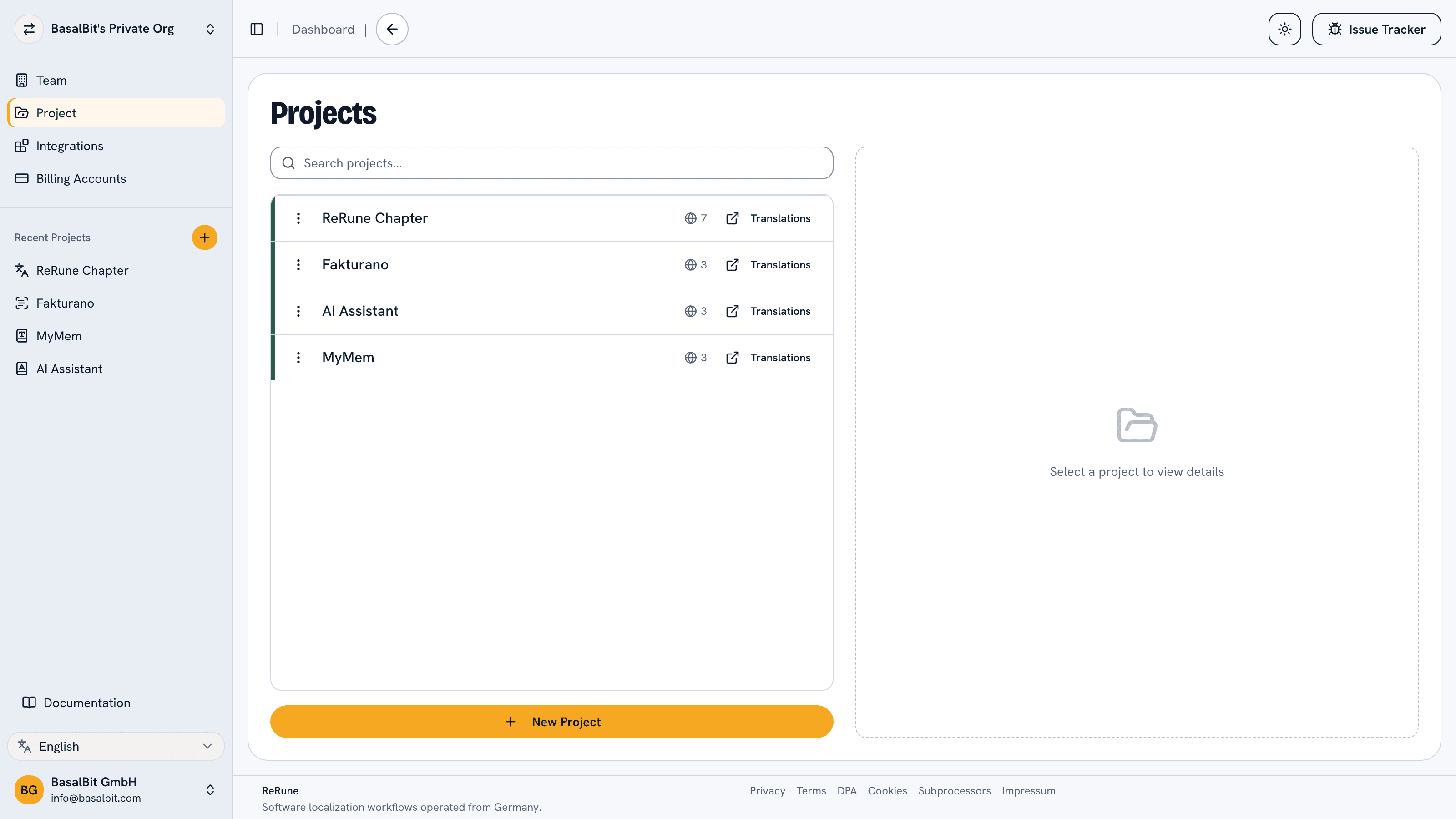
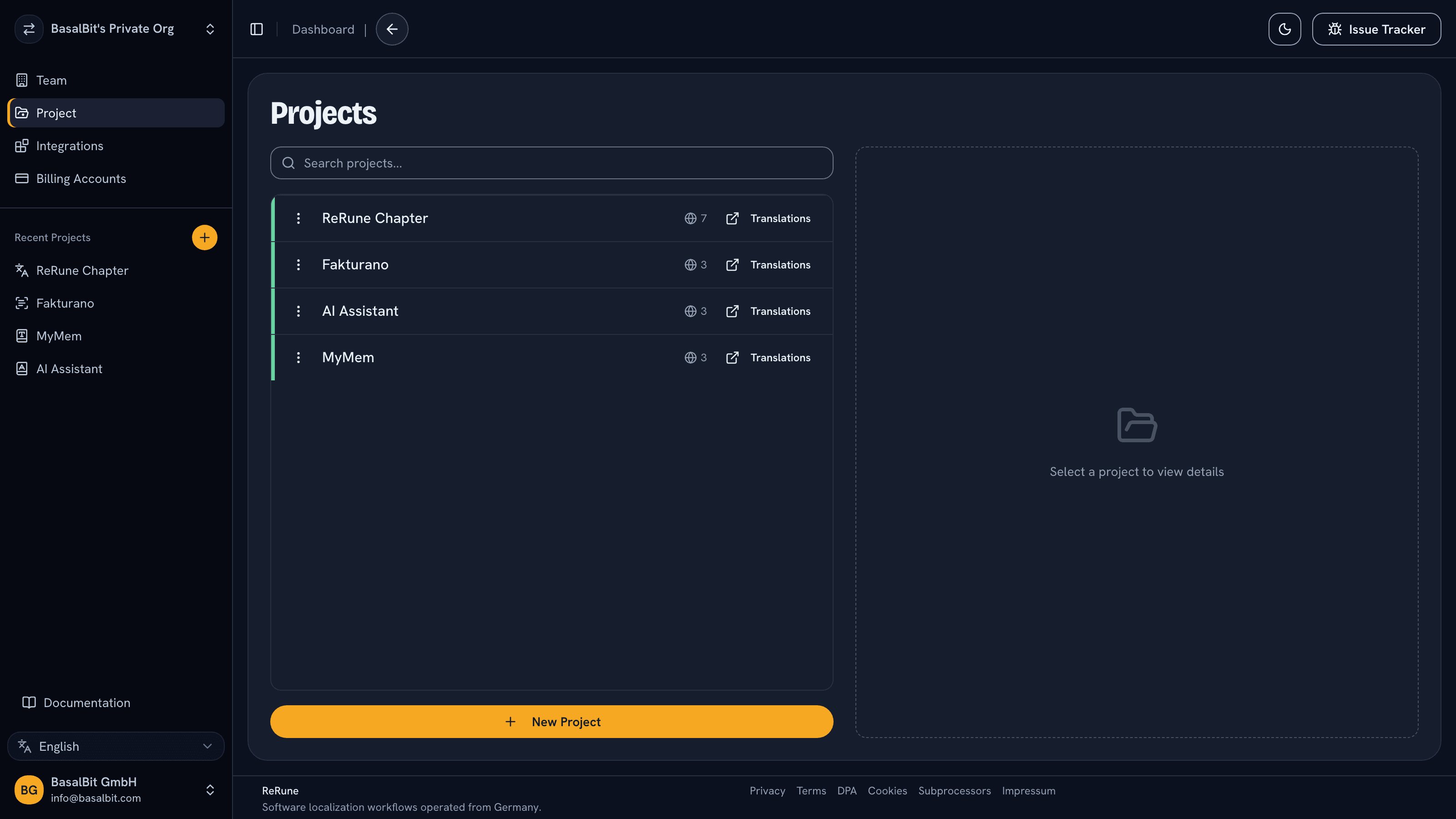
ReRune projects list showing real localization projects in a workspace
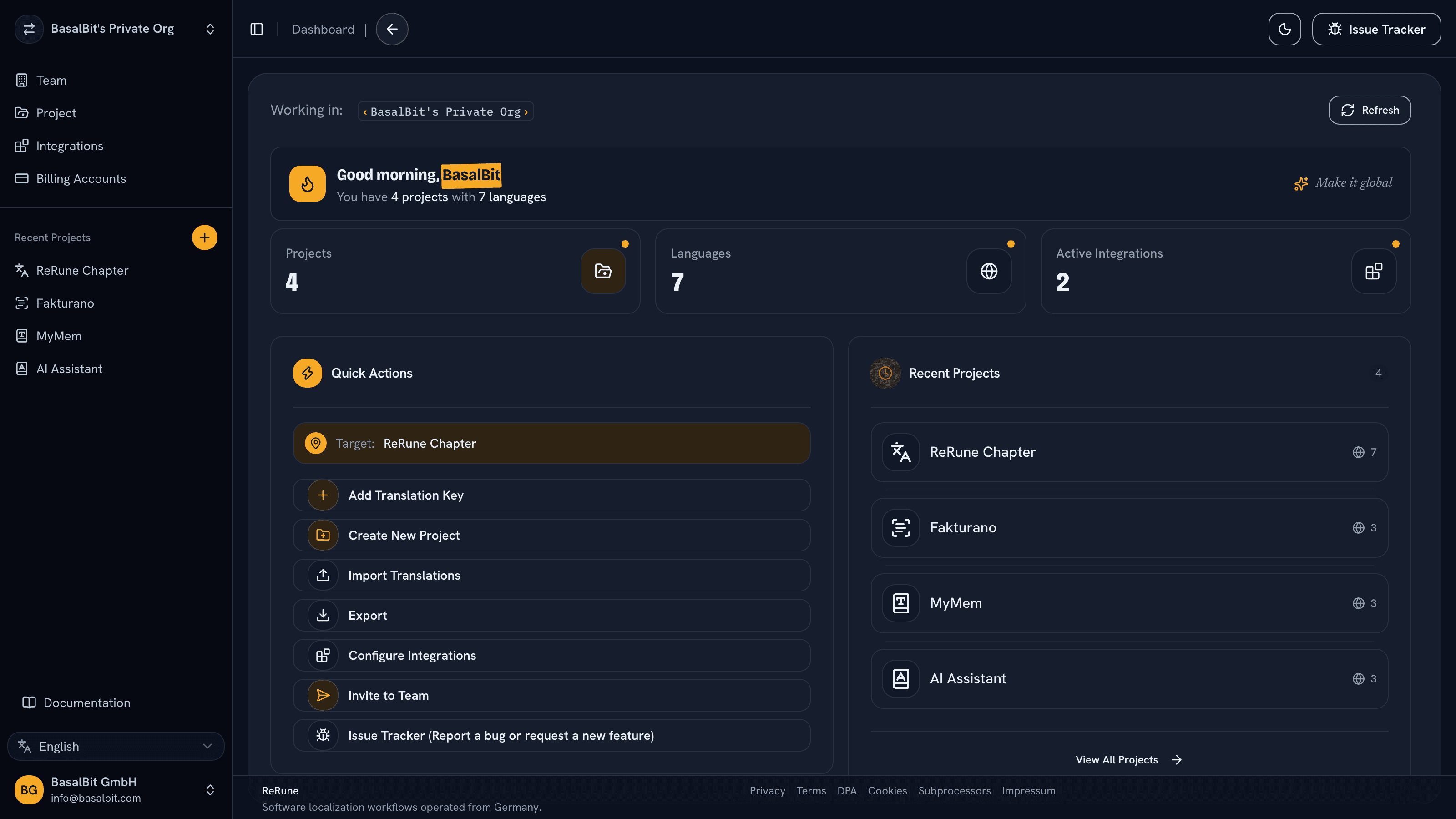
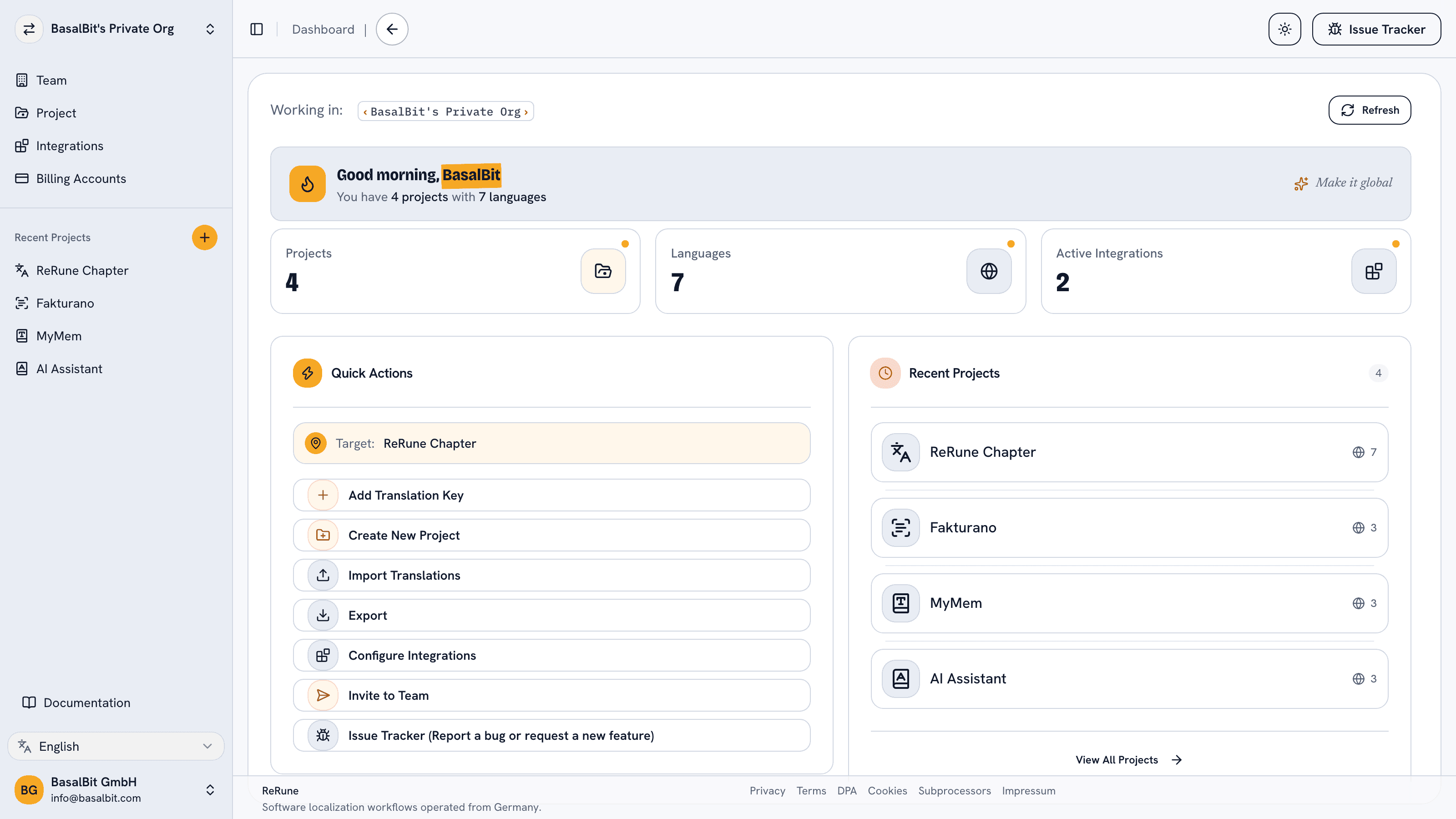
ReRune dashboard showing localization workspace activity and project statusReRune dashboard showing localization workspace activity and project statusReRune dashboard showing localization workspace activity and project status
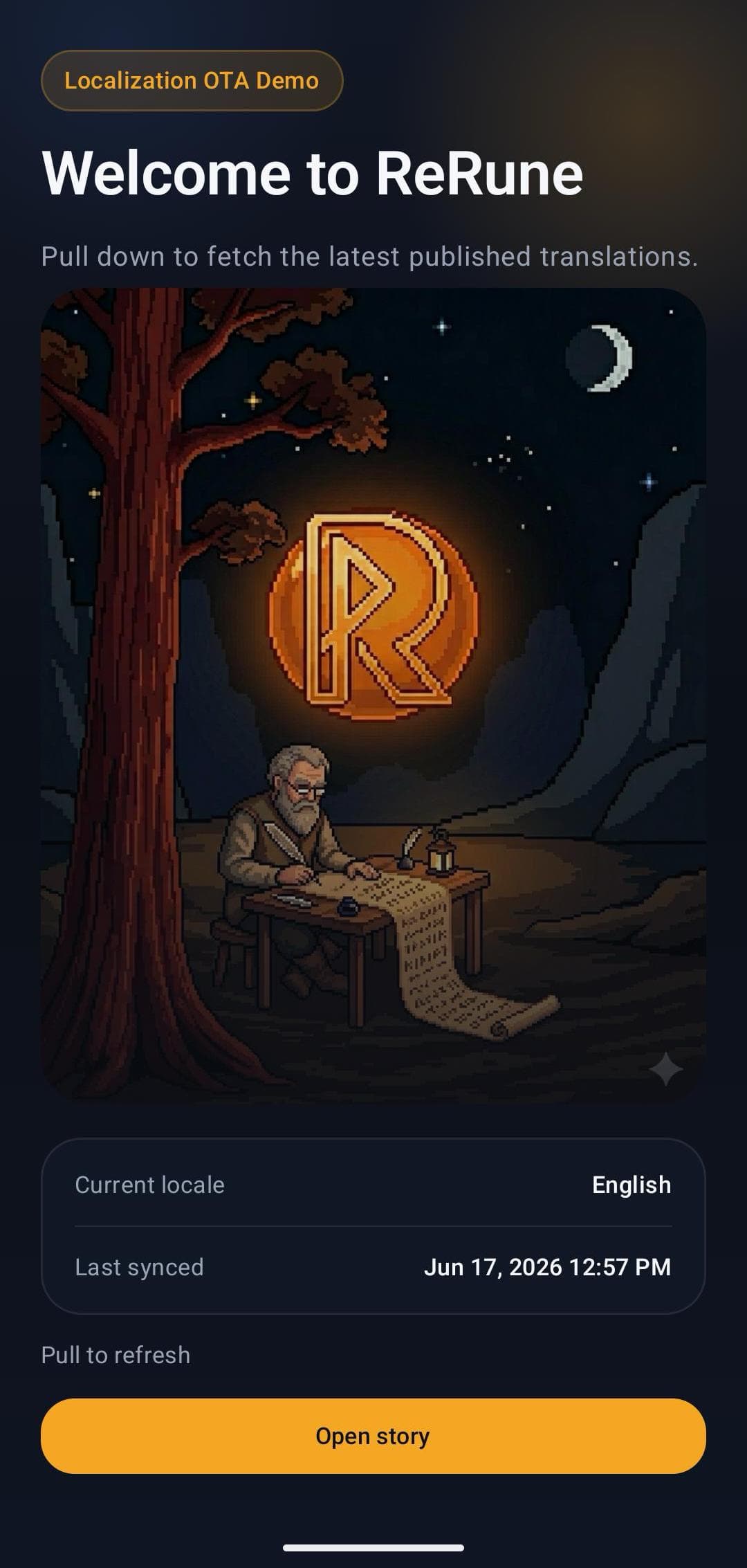
ReRune OTA demo mobile app landing screen with live localization status

Common challenge

Coding agents add UI text while they write code, but the translations live in a workspace the agent cannot reach. Developers then copy keys and drafts between the editor and the translation tool by hand.

Best fit

Teams whose developers work with Claude Code, Codex, Cursor, VS Code, OpenCode, or Pi and want those agents to create keys and draft translations in the workspace their translators already use.

How ReRune helps

Draft edits and imports never publish. Publishing, rollback, and unpublish are separate tool calls that need the publishing permission, and ReRune checks the API key and your current permissions on every request.

What agents can do

Translation work your agent can do from chat.

The tools cover what the dashboard and the CLI already do, grouped by task. Your client discovers every tool with its inputs and whether it reads or writes.
  1. Keys and drafts

    Read drafts, create keys, edit language values and variations, manage placeholders and metadata, and restore a deleted draft from history.

  2. Files

    Parse a translation file into keys, import a file into project drafts, generate a file from keys, or export draft or published content.

  3. Glossary

    Read and manage project terms with approved translations and banned wordings, find the terms in any text, and preview a rename before it changes drafts.

  4. Publishing and history

    Publish selected or all eligible keys with a tag, read the publication history, roll back, or unpublish a key. Each of these needs the publishing permission.

Workflow

From app copy to release-ready localization.

ReRune connects translation management to the delivery path developers already use: dashboard work, AI assistance, CLI/API sync, and OTA updates where a supported SDK is installed.

Create an API key

Sign in to ReRune, open API keys, and create a named key for your MCP client. Use a management API key, not an OTA Publish ID.

Connect your client

Add https://rerune.io/api/mcp with the key in the X-API-Key header to your client's personal configuration. No ReRune package or local server is needed.

Ask in chat

Start by listing your projects so the agent gets the project and key IDs, then ask it to create keys or update drafts. Saved changes stay drafts.

Review, then publish

After reviewing the drafts, ask the agent to publish the updated keys with a tag. Apps with a ReRune SDK then receive the published text over the air.

Setup WizardAI Coding Agent

One command. A wizard sets the stage, your AI agent ships it.

Run the onboarding command from the root of your Git repository. The wizard inspects the app and confirms the plan with you, with no AI involved and nothing changed yet. Then it opens the coding agent you already use with a complete migration workflow.

Run inside your Git repository

curl -fsSL https://rerune.io/onboard.sh | sh

The script runs locally. ReRune does not receive your source code or list of installed agents.

Coding agent integrations

11 integrations: 4 available now, 7 planned.

  • Claude CodeReady
  • CodexReady
  • OpenCodeReady
  • PiReady
  • GitHub Copilot CLIPlanned
  • GoosePlanned
  • Qwen CodePlanned
  • Cursor AgentPlanned
  • Kiro CLIPlanned
  • Cline CLIPlanned
  • Factory DroidPlanned

Developer delivery

Sync through the CLI. Publish through OTA SDKs.

Use the ReRune CLI locally or in CI/CD to manage project translations, then deliver approved runtime updates through the SDK built for your app.

Companion CLI

Install the ReRune CLI

Use the ReRune CLI to sync, validate, and manage translations right from your terminal. Run syncs in CI/CD or locally whenever you need to push a new language.

Homebrew (macOS/Linux):

brew install BasalBit/tap/rerune
  • Downloadable builds for macOS, Linux, and Windows
  • Uses the API keys you generate in the dashboard
  • Fits scripted CI/CD workflows through CLI and API access
rerune

Connect the project

Create the project config and connect the repository to its ReRune workspace.

rerune pull

Pull approved updates

Bring current dashboard translations into the app or its build workflow.

rerune push

Push local changes

Send local translation updates back to ReRune for the team to manage and publish.

Claude Code

Add the hosted server with one command.

Replace YOUR_RERUNE_API_KEY with a management API key from ReRune. The MCP docs show the setup for Codex, Cursor, VS Code, OpenCode, and Pi.

claude mcp add --transport http --scope user rerune \
  https://rerune.io/api/mcp \
  --header "X-API-Key: YOUR_RERUNE_API_KEY"

Questions

Questions teams ask before choosing a localization platform.

Contact the ReRune team

Share an idea, report a problem, or ask for help with ReRune.

What is the ReRune MCP server?

A hosted Model Context Protocol server at https://rerune.io/api/mcp. AI coding agents connect over Streamable HTTP with a ReRune API key in the X-API-Key header and get 68 tools for projects, organisation membership, translation drafts, publications, glossary terms, files, formats, statistics, and Figma design links.

Which AI coding agents can connect?

The docs show the setup for Codex, Claude Code, Cursor, VS Code, OpenCode, and Pi. Other clients work too if they support Streamable HTTP and custom authentication headers.

Can an agent publish translations on its own?

Not as a side effect. Saving values, creating keys, importing files, and renaming glossary terms only change drafts. Publishing, rollback, and unpublish are separate tool calls that need the publishing permission, and publishing also needs a tag. Each client also has its own tool approval prompts.

What can the API key access?

The key acts as your ReRune account. It reaches projects through your organisation memberships and allows only the operations your permissions allow. Revoking the key stops later requests, and permission changes apply to the next operation.

Do I need to install anything?

No. ReRune hosts the server, so there is no ReRune MCP package or local server process. Add the endpoint and your API key to your client's configuration. Authentication currently uses API keys only.

Explore next

Go deeper into the developer, platform, and delivery workflows connected to this page.

Localization API for teams that automate product text.

Automate ReRune with an API key: the CLI in CI, the hosted MCP server for coding agents, and server-side scripts. Apps use a read-only OTA Publish ID.

Developer localization platform for product teams that ship fast.

Keep localization in your engineering workflow with ReRune: CLI sync for releases, API keys for automation, and SDKs for runtime text updates in your apps.

Localization CLI for releases that cannot wait on spreadsheets.

Use the ReRune localization CLI to initialize project config, pull dashboard translations, and push local translation updates from scripts or CI/CD workflows.

One workspace

Start with one product workflow and expand from there.

Create projects, manage keys, use AI assistance with context, sync through CLI/API, and publish approved runtime updates when your app uses a supported ReRune SDK.