
Common challenge
XML string resources remain the safe baseline, but they cannot address every approved copy change or new language after an app ships.
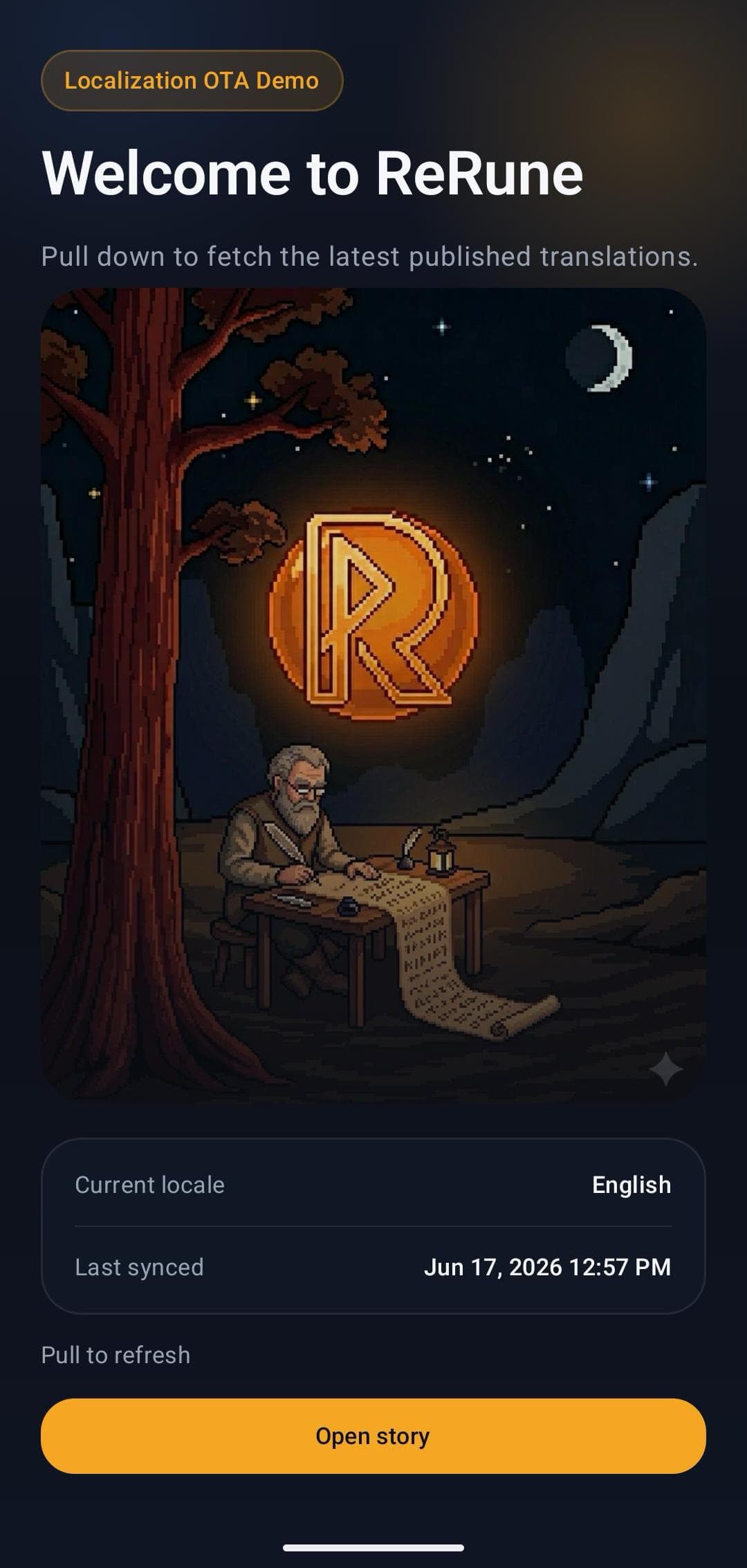
ReRune Android SDK 1.2.0 adds runtime variant selection to its Compose and Views integrations, with per-key Main and native resource fallback.
XML string resources remain the safe baseline, but they cannot address every approved copy change or new language after an app ships.
Native Android teams using Compose or Views that need the public 1.2.0 modules, runtime variants, OTA-backed strings, and developer-controlled sync.
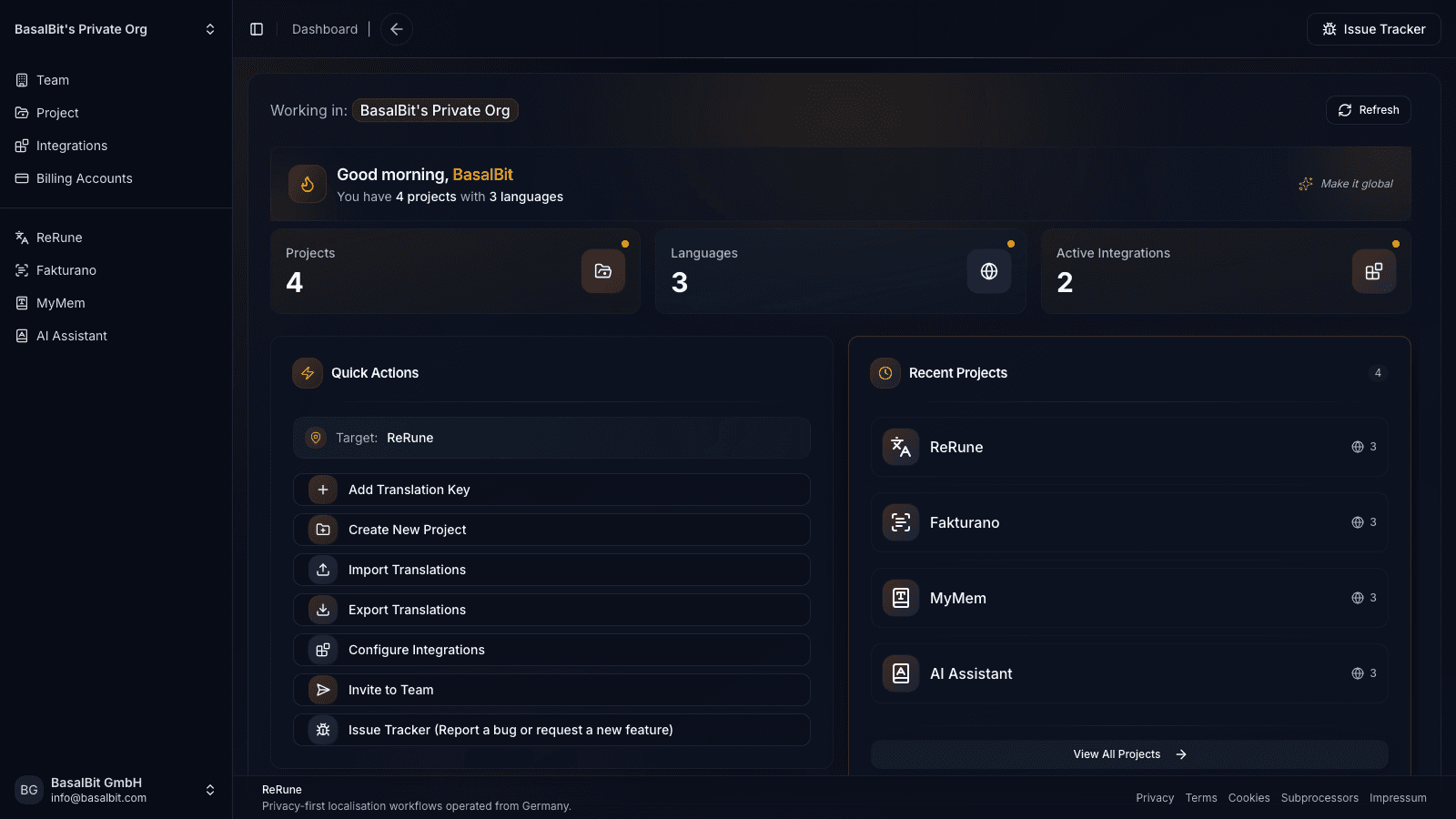
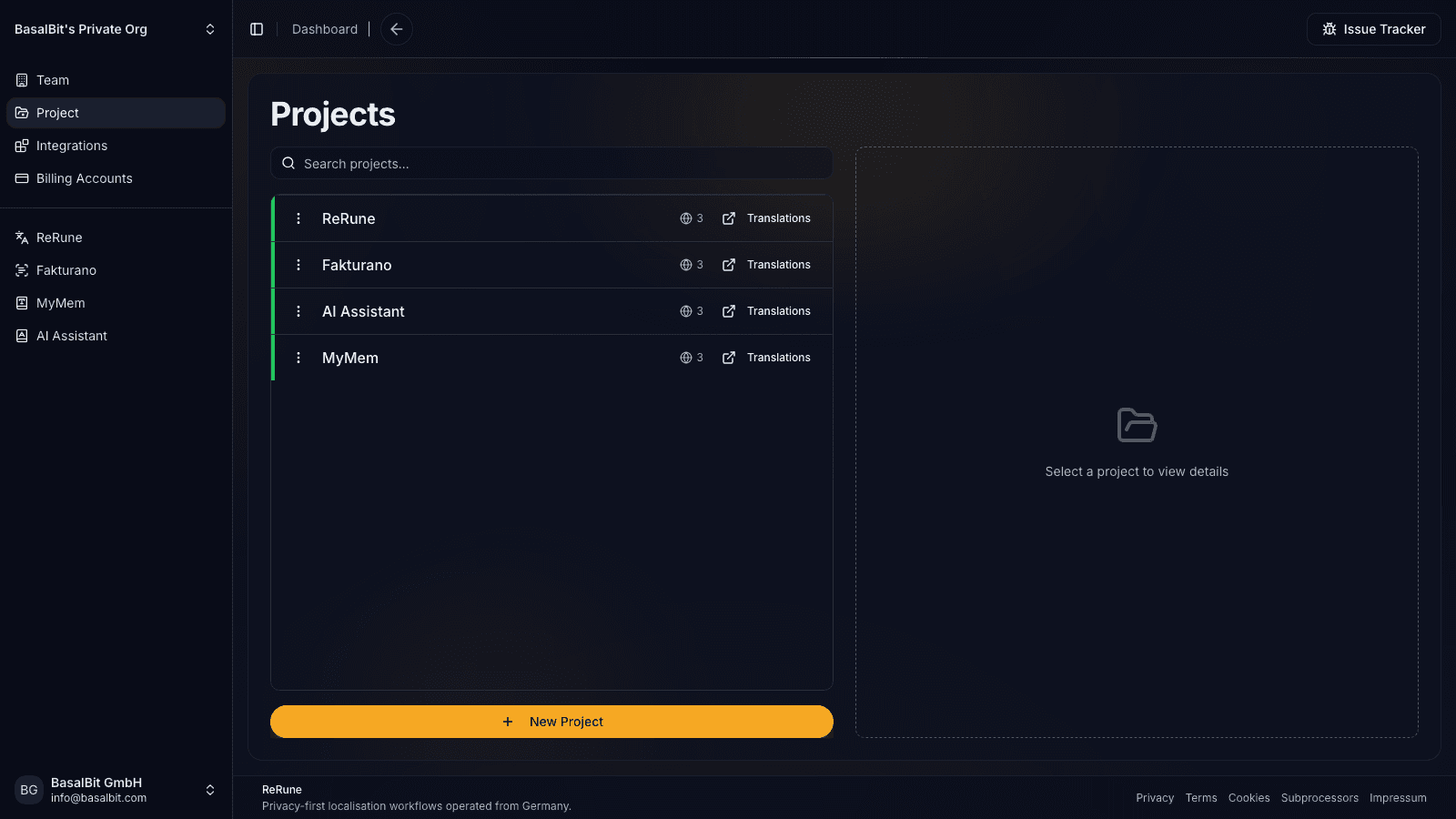
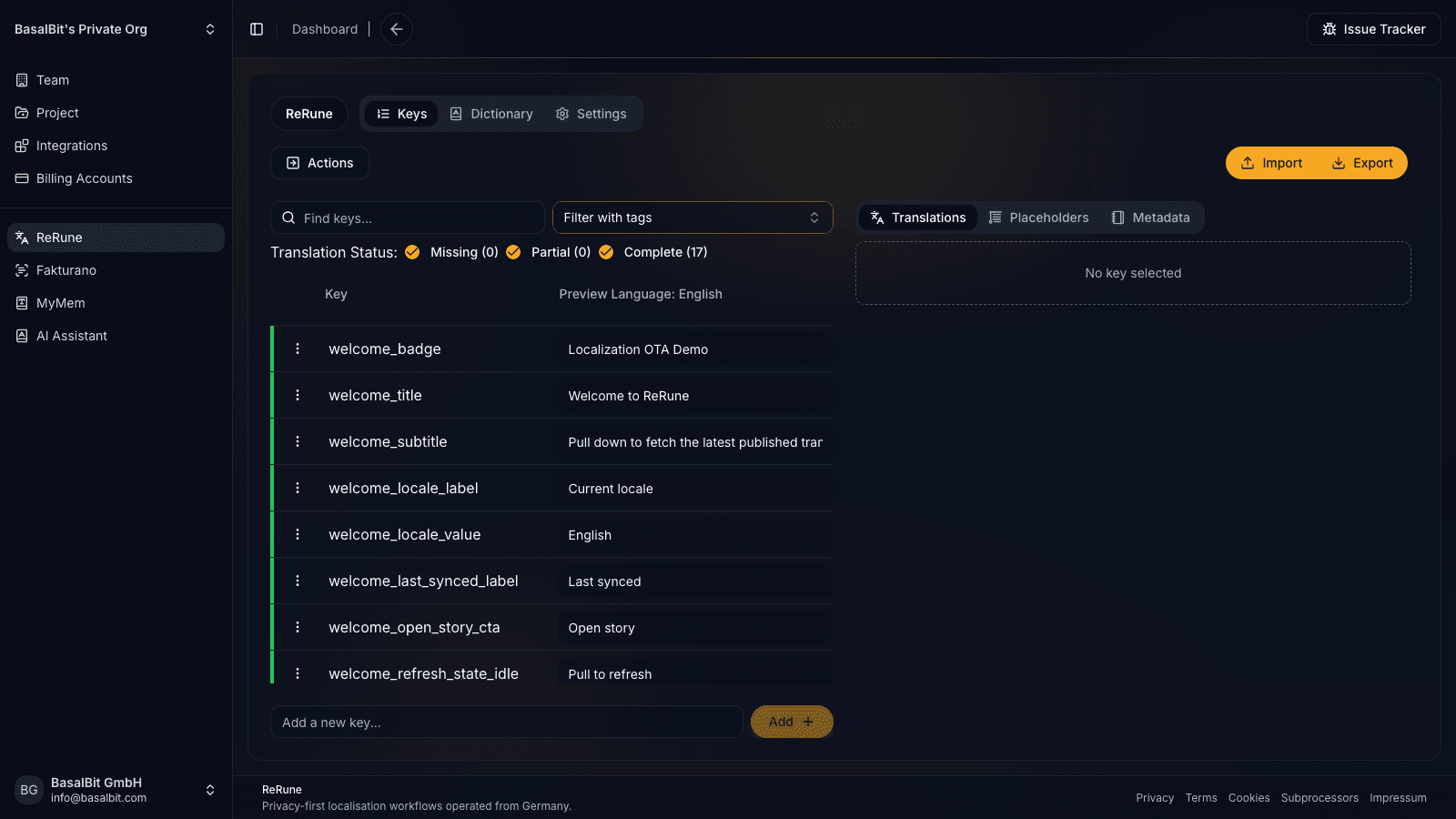
ReRune keeps Android runtime updates connected to the same workspace that manages keys, language coverage, dictionaries, and platform sync.
Android specifics
ReRune Android 1.2.0 overlays the selected variant on native resource lookups, then falls back per key to Main and compiled resources.
Install rerune-android-compose for Compose or rerune-android-views for classic Views. Both include the core SDK transitively and initialize from the Application with an OTA publish ID.
Compose screens opt into revision observation with reRuneObserveRevision. Views keep app-owned rebinding logic and can listen with reRuneOnStringsUpdated(...) after installing ReRuneViews.
The SDK can cache locales that are not compiled into values-<locale> resources. Apps can observe availableLocalesFlow, and Android 14 or newer can receive dynamic locale configuration after a manifest fetch.
OTA can replace values for existing resource IDs. New R.string identifiers, new UI code, app-store language metadata, and some operating-system language behavior still require an application release.
Ship OTA localization updates and runtime variants in native Android apps while keeping bundled resources as the final fallback.
Version-pinned guidance from the published package README. Follow the linked README for the complete API and current release notes.
io.rerune:rerune-android-composeio.rerune:rerune-android-viewsdependencies {
// Compose
implementation("io.rerune:rerune-android-compose:1.2.0")
// Views
implementation("io.rerune:rerune-android-views:1.2.0")
}
android {
packaging.resources {
merges += "META-INF/LICENSE"
excludes -= "/META-INF/LICENSE"
}
}README at a glance
UI stack
Compose quick start
dependencies {
  implementation("io.rerune:rerune-android-compose:1.2.0")
}

android {
  packaging.resources {
    merges += "META-INF/LICENSE"
    excludes -= "/META-INF/LICENSE"
  }
}

class App : Application() {
  override fun onCreate() {
    super.onCreate()
    ReRune.setup(
      app = this,
      otaPublishId = BuildConfig.RERUNE_OTA_PUBLISH_ID,
      variant = ReRuneVariant.fromSlug("customer_acme"),
    )
  }
}

override fun attachBaseContext(newBase: Context) {
  super.attachBaseContext(newBase.reRune())
}

@Composable
fun ExampleScreen() {
  reRuneObserveRevision {
    Text(text = stringResource(R.string.title))
  }
}
Declarative refresh
Compose screens wrap visible text with reRuneObserveRevision { ... }, while stringResource(...) keeps reading through the normal Android resource flow.
What still matters
Keep ReRune.setup(...) in Application.onCreate() and wrap each activity with newBase.reRune() so Compose and platform resources read OTA updates.
Workflow
ReRune connects translation management to the delivery path developers already use: dashboard work, AI assistance, CLI/API sync, and OTA updates where a supported SDK is installed.
Connect the supported app runtime to a ReRune publish ID while keeping native or framework localization behavior in place.
Approve translation changes in the workspace, then publish runtime updates without turning every text fix into a full store release.
Let supported SDK hooks check for updates and refresh text when new approved localization payloads are available.
When runtime updates are unavailable, the app keeps reading bundled resources so localization failures do not break the product.
Agent-assisted setup
Run the onboarding command from the root of your Git repository. The wizard detects the app and compatible coding agents already installed, then launches the agent you choose to move static UI text into localization, connect ReRune when cloud setup is selected, and validate the result.
Run inside your Git repository
$ curl -fsSL https://rerune.io/onboard.sh | shThe script runs locally. ReRune does not receive your source code or list of installed agents.
Start it from the repository root. It stays in the terminal and detects the app, existing localization, and supported coding agents already installed.
Review the source locale, Git branch, and whether to connect ReRune cloud and add supported OTA delivery. Nothing changes until you confirm.
The selected agent migrates user-facing strings into the app's localization system, connects ReRune when cloud setup is selected, adds supported OTA setup when requested, and runs the relevant validation.
11 integrations: 4 available now, 7 planned.
 OpenCodeReady
 PiReady
Coverage
Start where localization creates release friction, then keep web, mobile, and cross-platform products in one shared workspace as your surface area grows.
Developer delivery
Use the ReRune CLI locally or in CI/CD to manage project translations, then deliver approved runtime updates through the SDK built for your app.
Companion CLI
Use the ReRune CLI to sync, validate, and manage translations right from your terminal. Run syncs in CI/CD or locally whenever you need to push a new language.
Homebrew (macOS/Linux):
brew install BasalBit/tap/rerunereruneConnect the project
Create the project config and connect the repository to its ReRune workspace.
rerune pullPull approved updates
Bring current dashboard translations into the app or its build workflow.
rerune pushPush local changes
Send local translation updates back to ReRune for the team to manage and publish.
Questions
Share an idea, report a problem, or ask for help with ReRune.
When OTA data is unavailable, Android can keep reading bundled resources, so existing string behavior remains the baseline.
Yes. Use io.rerune:rerune-android-compose:1.2.0 for Compose or io.rerune:rerune-android-views:1.2.0 for platform Views.
Yes. Android SDK 1.2.0 can fetch and cache dashboard locales that have no compiled values-<locale> directory. Apps can observe availableLocalesFlow; Android 14 or newer can also receive dynamic locale configuration.
No. Android compiles R.string identifiers into the application. ReRune can update values for identifiers the installed app already contains, while new identifiers require an app release.
Compose opts into revision-aware redraw with reRuneObserveRevision. Views keeps app-owned rebinding logic and can listen for changes with reRuneOnStringsUpdated(...) after ReRuneViews.install(...).
Supported SDK flows keep bundled resources as the fallback. Runtime updates add approved text delivery on top of the app's existing localization path instead of replacing the safe baseline.
Yes. Enable OTA staging for the project and opt a development or QA client into staging mode. The client receives saved, enabled draft snapshots on its next sync from a cache kept separate from published content. Production clients stay on the published path by default.
Explore next
Go deeper into the developer, platform, and delivery workflows connected to this page.
Deliver published app text through ReRune OTA SDKs, preview enabled drafts in staging clients, and keep production caches isolated with fallback and rollback.
Read moreUse ReRune Flutter SDK 1.3.0 for OTA localization and runtime variants while keeping generated delegates, bundled resources, CLI sync, and AI assistance.
Read moreUse ReRune iOS SDK 1.2.0 for OTA localization and runtime variants through native Bundle.main lookups with SwiftUI or UIKit refresh hooks.
Read moreCreate projects, manage keys, use AI assistance with context, sync through CLI/API, and publish approved runtime updates when your app uses a supported ReRune SDK.