
Common challenge
Translation files alone do not give product and engineering teams enough control. They need keys, languages, review context, automation, and release visibility in one place.
ReRune helps product, engineering, and localization teams manage app text from one workspace, then move approved translations through CLI/API sync, exports, and supported OTA SDK updates.
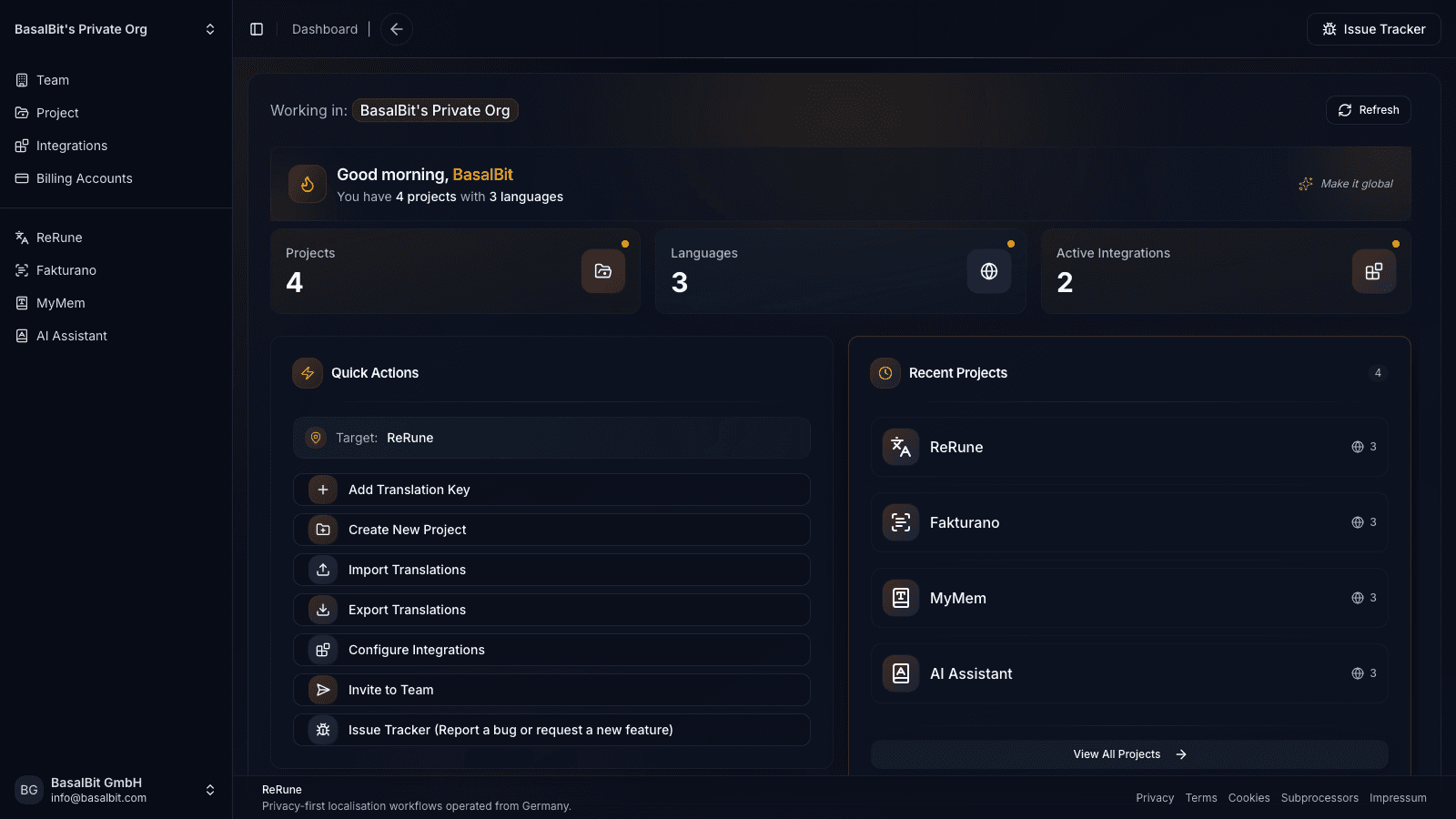
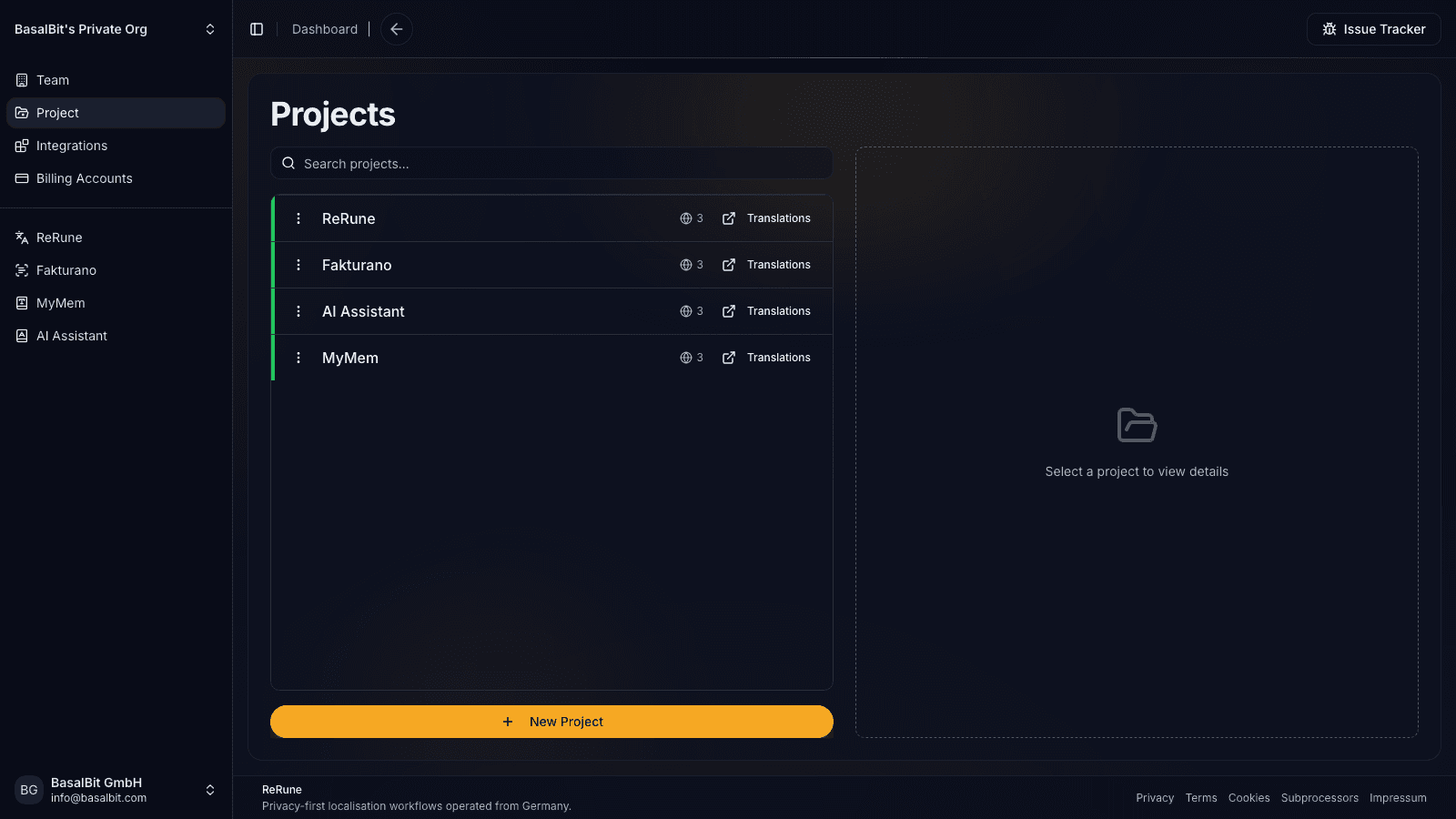
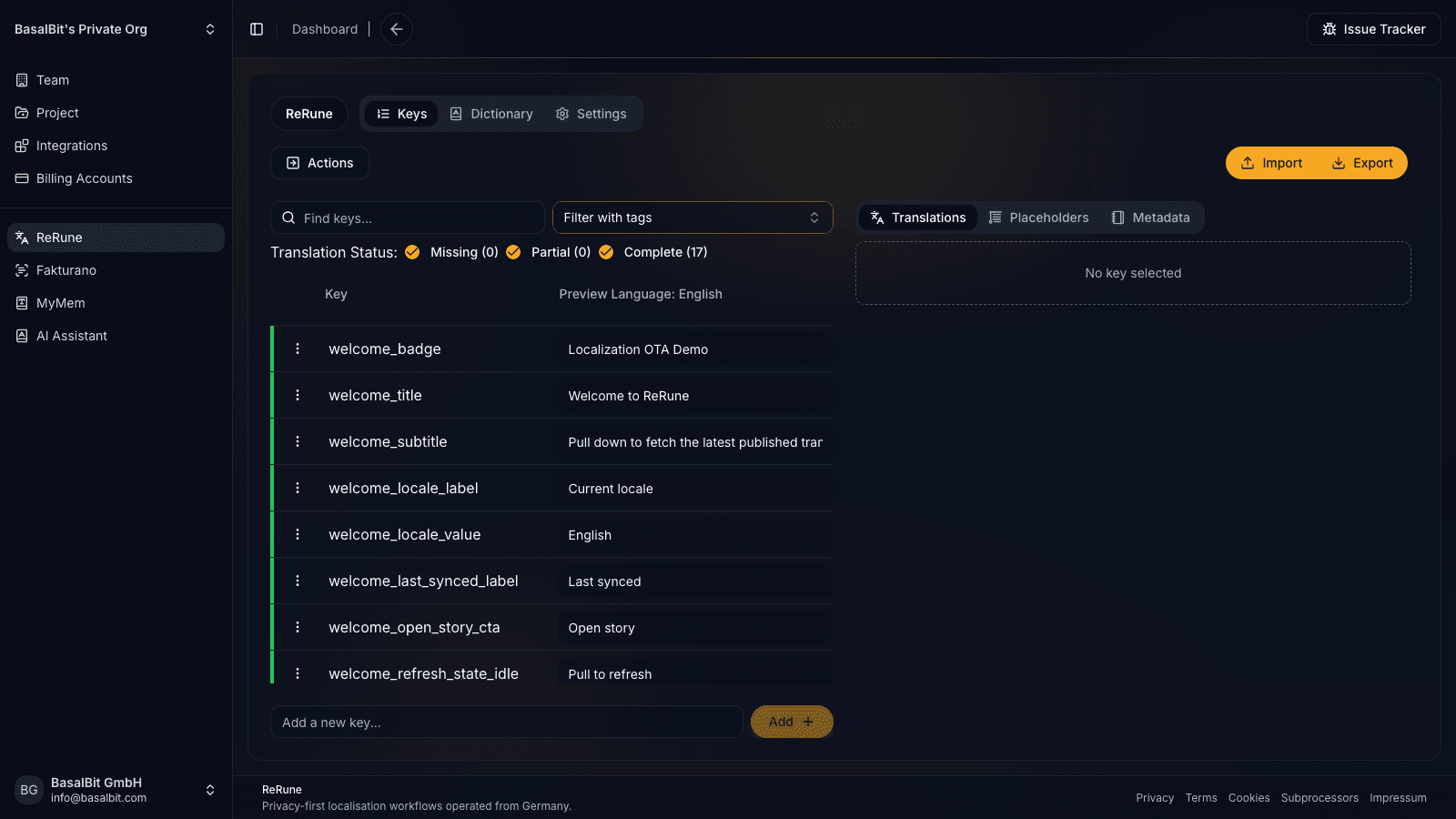
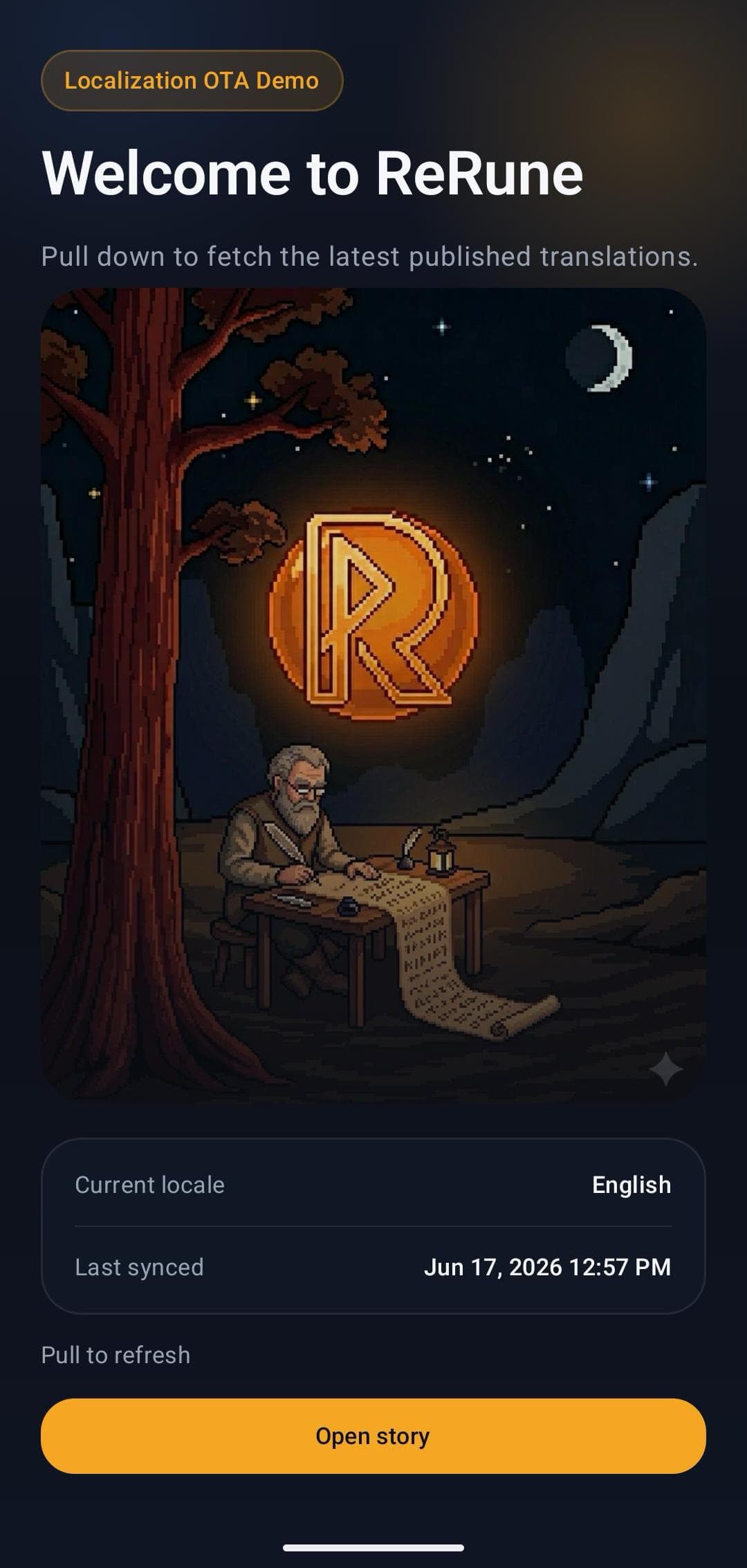
Translation files alone do not give product and engineering teams enough control. They need keys, languages, review context, automation, and release visibility in one place.
Teams shipping web, mobile, and cross-platform software where localization touches product, engineering, and release work.
ReRune starts with app localization pain: copy changes, developer sync, AI assistance, and runtime delivery. That gives the broader platform a concrete workflow instead of a generic content hub.
Platform scope
ReRune is a software localization platform for mobile and web applications. It connects the translation system of record with developer sync and supported runtime delivery, so teams can manage product text without separating content work from release work.
Projects hold translation keys, languages, values, metadata, placeholders, and dictionaries in one workspace. The platform keeps those relationships visible instead of reducing localization to a folder of files.
Product and localization teams can review language coverage, terminology, and AI-assisted output before developers sync files or publish a supported OTA update.
Teams can move localization through import and export, the ReRune CLI, API-backed automation, or public SDKs. The right path depends on whether the product needs build-time files or approved runtime text.
The workspace can cover web, mobile, and cross-platform apps while each surface keeps its own framework conventions, bundled fallback, and release constraints.
Workflow
ReRune connects translation management to the delivery path developers already use: dashboard work, AI assistance, CLI/API sync, and OTA updates where a supported SDK is installed.
Manage keys, languages, values, placeholders, dictionaries, metadata, and project context before translation work spreads across files and messages.
Use DeepL or OpenRouter-assisted translation flows with dictionaries and product context close to the text being reviewed.
Use CLI/API workflows to move approved translations into repositories, CI/CD jobs, scripted release tasks, or custom platform integrations.
Export platform formats or publish OTA updates for supported SDKs while keeping bundled app resources as the safe fallback.
Agent-assisted setup
Run the onboarding command from the root of your Git repository. The wizard detects the app and compatible coding agents already installed, then launches the agent you choose to move static UI text into localization, connect ReRune when cloud setup is selected, and validate the result.
Run inside your Git repository
$ curl -fsSL https://rerune.io/onboard.sh | shThe script runs locally. ReRune does not receive your source code or list of installed agents.
Start it from the repository root. It stays in the terminal and detects the app, existing localization, and supported coding agents already installed.
Review the source locale, Git branch, and whether to connect ReRune cloud and add supported OTA delivery. Nothing changes until you confirm.
The selected agent migrates user-facing strings into the app's localization system, connects ReRune when cloud setup is selected, adds supported OTA setup when requested, and runs the relevant validation.
11 integrations: 4 available now, 7 planned.
 OpenCodeReady
 PiReady
Coverage
Start where localization creates release friction, then keep web, mobile, and cross-platform products in one shared workspace as your surface area grows.
Developer delivery
Use the ReRune CLI locally or in CI/CD to manage project translations, then deliver approved runtime updates through the SDK built for your app.
Companion CLI
Use the ReRune CLI to sync, validate, and manage translations right from your terminal. Run syncs in CI/CD or locally whenever you need to push a new language.
Homebrew (macOS/Linux):
brew install BasalBit/tap/rerunereruneConnect the project
Create the project config and connect the repository to its ReRune workspace.
rerune pullPull approved updates
Bring current dashboard translations into the app or its build workflow.
rerune pushPush local changes
Send local translation updates back to ReRune for the team to manage and publish.
SDK directory
Public ReRune SDKs for Flutter, Android, iOS, React, React Native, and Angular support runtime variant selection with Main and bundled fallback.
Flutter        rerune ^1.3.0
Android        rerune-android-compose:1.2.0
               rerune-android-views:1.2.0
iOS            ReRune 1.2.0
React          @rerune/react@1.6.0
React Native   @rerune/react-native@1.6.0
Angular        @rerune/angular@1.6.0
Questions
Share an idea, report a problem, or ask for help with ReRune.
ReRune manages translation keys, languages, values, dictionaries, metadata, placeholders, import/export, CLI/API sync, AI-assisted translation, and OTA publish IDs for supported app SDKs.
No. ReRune is app-first, not mobile-only. It is built for software teams that ship web, mobile, React, React Native, Angular, Flutter, Android, and iOS surfaces from a shared localization workflow.
No. ReRune also supports dashboard management, platform exports, import workflows, CLI sync, and API-driven workflows. OTA updates are an added delivery path for supported SDKs.
Explore next
Go deeper into the developer, platform, and delivery workflows connected to this page.
Use ReRune as a developer localization platform for app teams that need translation management, CLI/API sync, AI assistance, and OTA SDK delivery where supported.
Read moreOwn your app copy with ReRune's translation management system. Manage languages, use machine translation and AI, create variants, and control OTA publishing.
Read moreDeliver published app text through ReRune OTA SDKs, preview enabled drafts in staging clients, and keep production caches isolated with fallback and rollback.
Read moreCreate projects, manage keys, use AI assistance with context, sync through CLI/API, and publish approved runtime updates when your app uses a supported ReRune SDK.