
Common challenge
Bundled .strings and .xcstrings remain the safe baseline, but app teams need a controlled path for approved text changes after release.
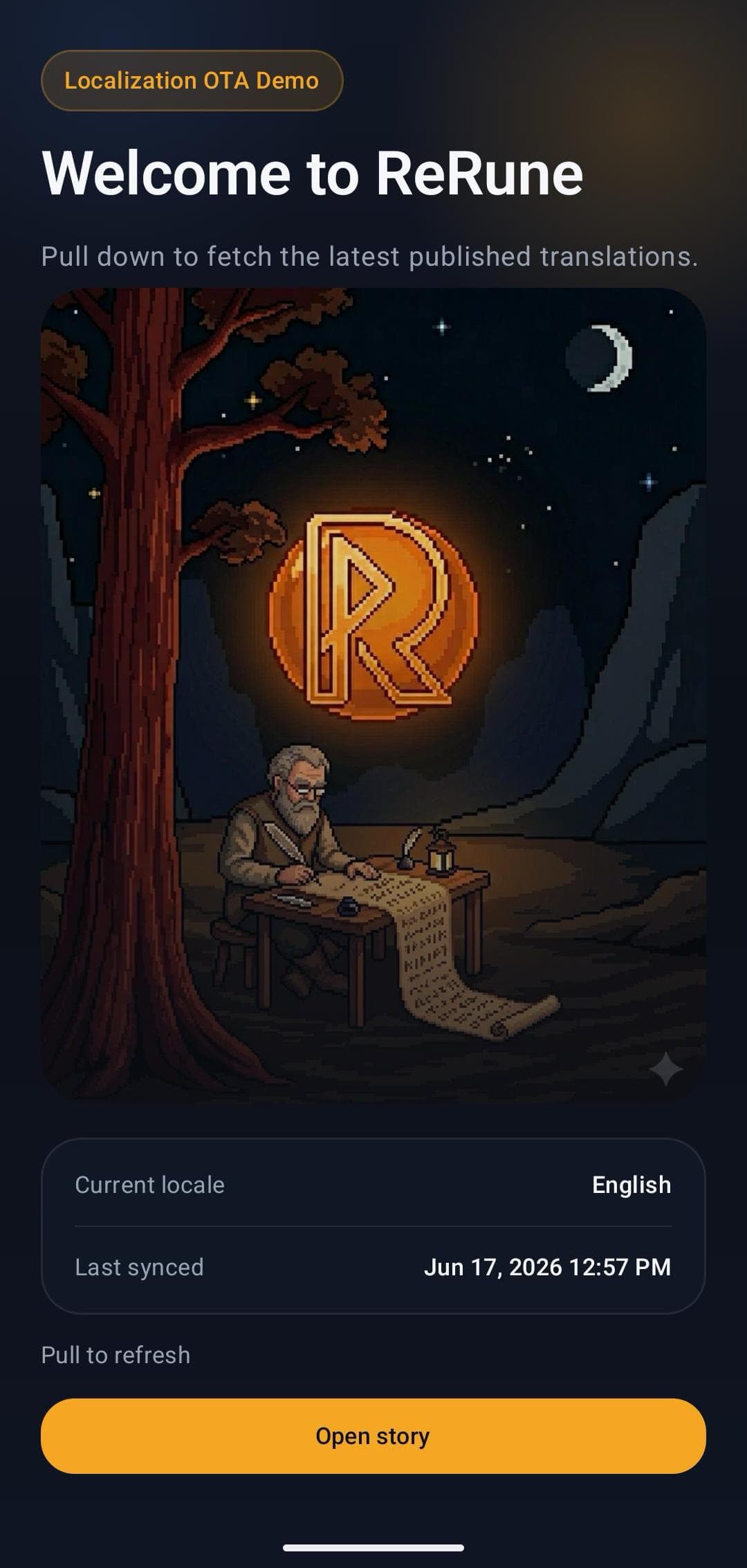
ReRune iOS SDK 1.2.0 delivers the selected variant through native Bundle.main lookup paths, with per-key Main and bundled-resource fallback.
Bundled .strings and .xcstrings remain the safe baseline, but app teams need a controlled path for approved text changes after release.
iOS teams that want ReRune 1.2.0 through Swift Package Manager, runtime variants, native localization behavior, and OTA update delivery.
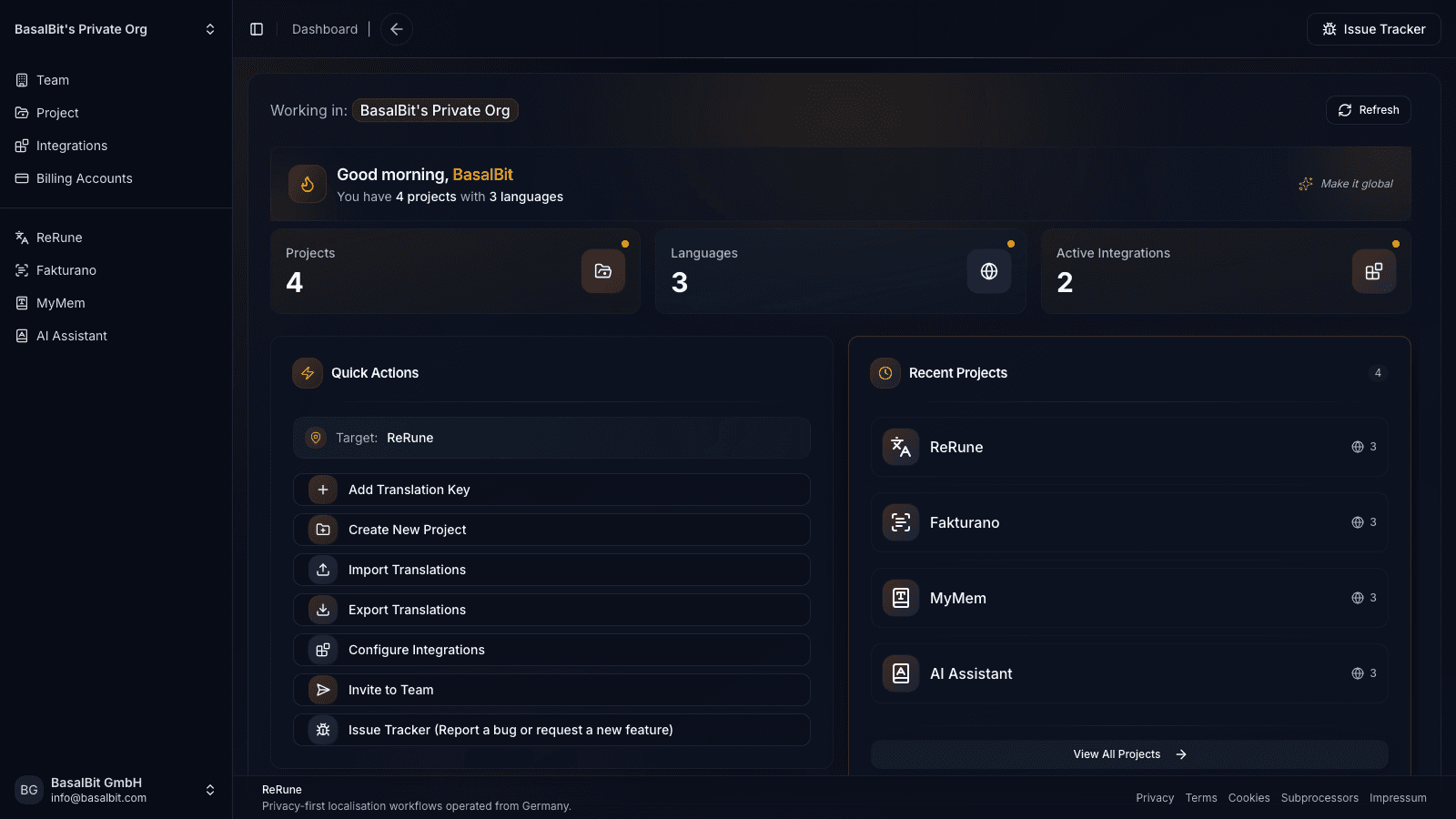
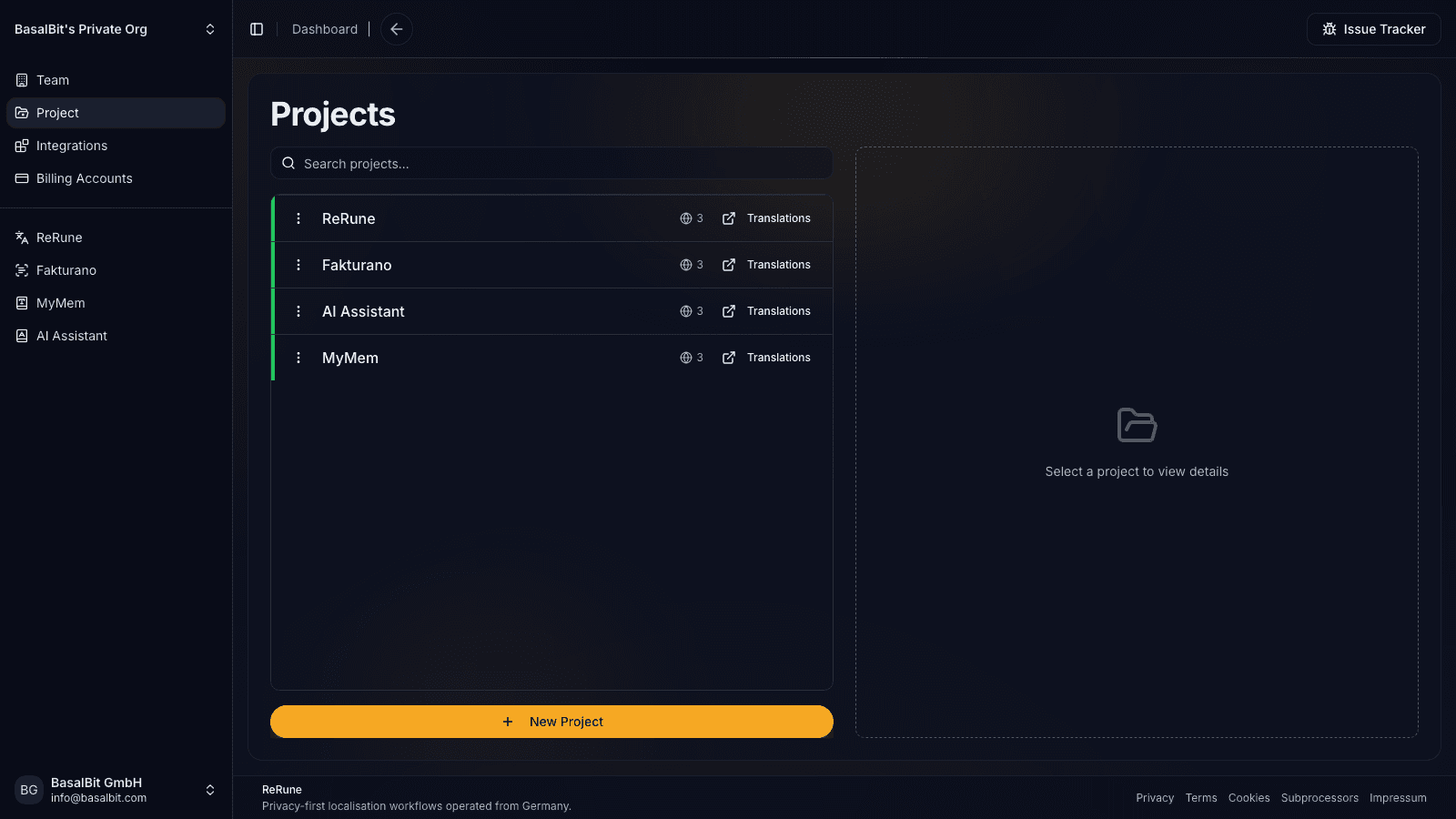
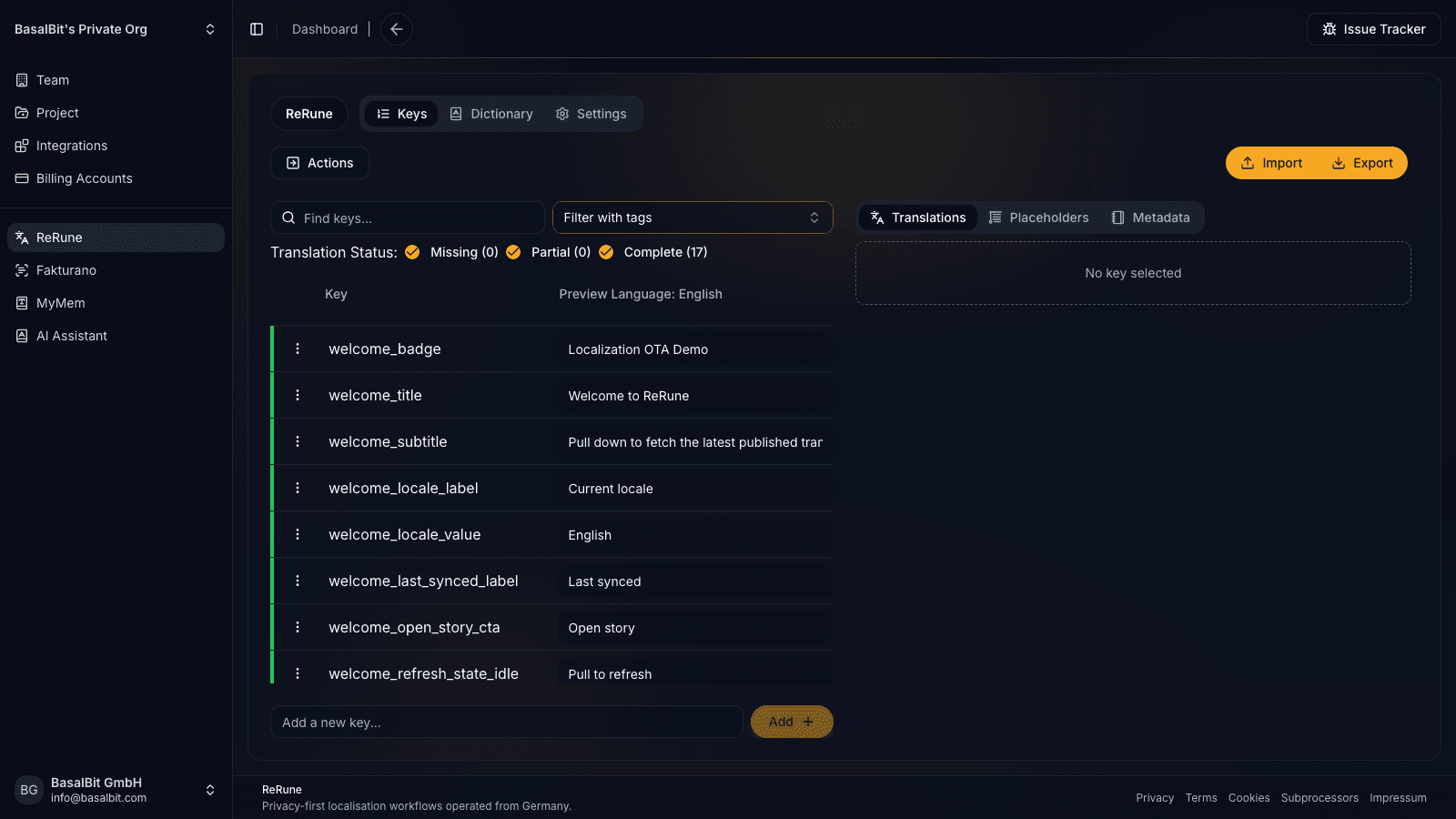
ReRune keeps iOS OTA delivery tied to project context, dictionaries, language progress, and the same translation workspace used by other product surfaces.
iOS specifics
ReRune installs through Swift Package Manager and applies published values through targeted Bundle.main localization behavior, while bundled .strings, .stringsdict, and .xcstrings content remains available.
UIKit and SwiftUI code should resolve OTA-aware text through NSLocalizedString(...) or Bundle.main.localizedString(...). The current phase targets the default Localizable table in Bundle.main.
UIKit can subscribe to reRuneRevisionPublisher and rebind visible strings. SwiftUI can attach .reRuneObserveRevision() to views that read NSLocalizedString(...).
reRuneAvailableLocaleDetails combines compiled and successfully applied dashboard locales. Apps can call reRuneSetLocale(...) for an in-app picker and persist that choice themselves.
SwiftUI Text("key"), LocalizedStringKey, and LocalizedStringResource are not intercepted in the current phase. New keys, native system text, Settings language lists, and App Store metadata still require an app release.
Ship OTA localization updates and runtime variants in native iOS apps while keeping UIKit and SwiftUI on Apple's localization APIs.
Version-pinned guidance from the published package README. Follow the linked README for the complete API and current release notes.
ReRune.package(url: "https://github.com/BasalBit/rerune-ios.git", from: "1.2.0")README at a glance
UI stack
SwiftUI quick start
// Swift Package Manager
// https://swiftpackageindex.com/BasalBit/rerune-ios
// Version: 1.2.0

import ReRune

import SwiftUI

@main
struct ExampleApp: App {
  init() {
    reRuneSetup(
      otaPublishId: "replace-with-ota-publish-id",
      variant: ReRuneVariant("customer_acme")
    )
  }

  var body: some Scene {
    WindowGroup {
      ContentView()
    }
  }
}

struct ContentView: View {
  var body: some View {
    VStack {
      Text(NSLocalizedString("title", comment: ""))
      Text(Bundle.main.localizedString(forKey: "subtitle", value: nil, table: nil))
    }
    .reRuneObserveRevision()
  }
}
Native lookup path
Resolve SwiftUI text with NSLocalizedString(...) first, then attach .reRuneObserveRevision() on the visible screen so OTA revisions trigger a redraw.
Current SwiftUI scope
SwiftUI Text("key"), LocalizedStringKey, and LocalizedStringResource are not part of the OTA interception path yet, so resolve the string first and then pass it into Text(...).
Workflow
ReRune connects translation management to the delivery path developers already use: dashboard work, AI assistance, CLI/API sync, and OTA updates where a supported SDK is installed.
Connect the supported app runtime to a ReRune publish ID while keeping native or framework localization behavior in place.
Approve translation changes in the workspace, then publish runtime updates without turning every text fix into a full store release.
Let supported SDK hooks check for updates and refresh text when new approved localization payloads are available.
When runtime updates are unavailable, the app keeps reading bundled resources so localization failures do not break the product.
Agent-assisted setup
Run the onboarding command from the root of your Git repository. The wizard detects the app and compatible coding agents already installed, then launches the agent you choose to move static UI text into localization, connect ReRune when cloud setup is selected, and validate the result.
Run inside your Git repository
$ curl -fsSL https://rerune.io/onboard.sh | shThe script runs locally. ReRune does not receive your source code or list of installed agents.
Start it from the repository root. It stays in the terminal and detects the app, existing localization, and supported coding agents already installed.
Review the source locale, Git branch, and whether to connect ReRune cloud and add supported OTA delivery. Nothing changes until you confirm.
The selected agent migrates user-facing strings into the app's localization system, connects ReRune when cloud setup is selected, adds supported OTA setup when requested, and runs the relevant validation.
11 integrations: 4 available now, 7 planned.
 OpenCodeReady
 PiReady
Coverage
Start where localization creates release friction, then keep web, mobile, and cross-platform products in one shared workspace as your surface area grows.
Developer delivery
Use the ReRune CLI locally or in CI/CD to manage project translations, then deliver approved runtime updates through the SDK built for your app.
Companion CLI
Use the ReRune CLI to sync, validate, and manage translations right from your terminal. Run syncs in CI/CD or locally whenever you need to push a new language.
Homebrew (macOS/Linux):
brew install BasalBit/tap/rerunereruneConnect the project
Create the project config and connect the repository to its ReRune workspace.
rerune pullPull approved updates
Bring current dashboard translations into the app or its build workflow.
rerune pushPush local changes
Send local translation updates back to ReRune for the team to manage and publish.
Questions
Share an idea, report a problem, or ask for help with ReRune.
Yes. ReRune 1.2.0 applies the selected variant through native Bundle.main lookups while bundled .xcstrings remain available as fallback. It does not deliver .xcstrings files as the OTA transport.
No. ReRune is designed to work alongside native localization behavior, with bundled resources remaining the fallback when runtime updates are unavailable.
Use NSLocalizedString(...) inside the SwiftUI view and attach .reRuneObserveRevision(). Direct Text("key"), LocalizedStringKey, and LocalizedStringResource interception is not supported in the current phase.
Yes. After a successful fetch, dashboard-only languages can appear through reRuneAvailableLocaleDetails and can be selected with reRuneSetLocale(...). iOS Settings and App Store language metadata are unchanged.
Bundled .strings, .stringsdict, and .xcstrings values remain available through Foundation lookup. The current OTA scope targets Bundle.main and the default Localizable table.
Supported SDK flows keep bundled resources as the fallback. Runtime updates add approved text delivery on top of the app's existing localization path instead of replacing the safe baseline.
Yes. Enable OTA staging for the project and opt a development or QA client into staging mode. The client receives saved, enabled draft snapshots on its next sync from a cache kept separate from published content. Production clients stay on the published path by default.
Explore next
Go deeper into the developer, platform, and delivery workflows connected to this page.
Deliver published app text through ReRune OTA SDKs, preview enabled drafts in staging clients, and keep production caches isolated with fallback and rollback.
Read moreUse ReRune Android Compose or Views SDK 1.2.0 for OTA strings and runtime variants with per-key Main and native resource fallback.
Read moreUse ReRune Flutter SDK 1.3.0 for OTA localization and runtime variants while keeping generated delegates, bundled resources, CLI sync, and AI assistance.
Read moreCreate projects, manage keys, use AI assistance with context, sync through CLI/API, and publish approved runtime updates when your app uses a supported ReRune SDK.