
Common challenge
Teams comparing localization platforms often want a different fit for app delivery, developer workflows, pricing, or product focus.
ReRune is for teams evaluating localization platforms and looking for a focused workflow around app strings, developer sync, AI assistance, transparent usage, and supported OTA delivery.
Teams comparing localization platforms often want a different fit for app delivery, developer workflows, pricing, or product focus.
Teams that want software localization centered on app delivery instead of a broad enterprise localization suite for every content type.
ReRune focuses on web, mobile, and cross-platform apps with CLI/API sync and supported OTA SDK paths. Compare it on that workflow rather than feature-for-feature parity with a broad enterprise suite.
Workflow
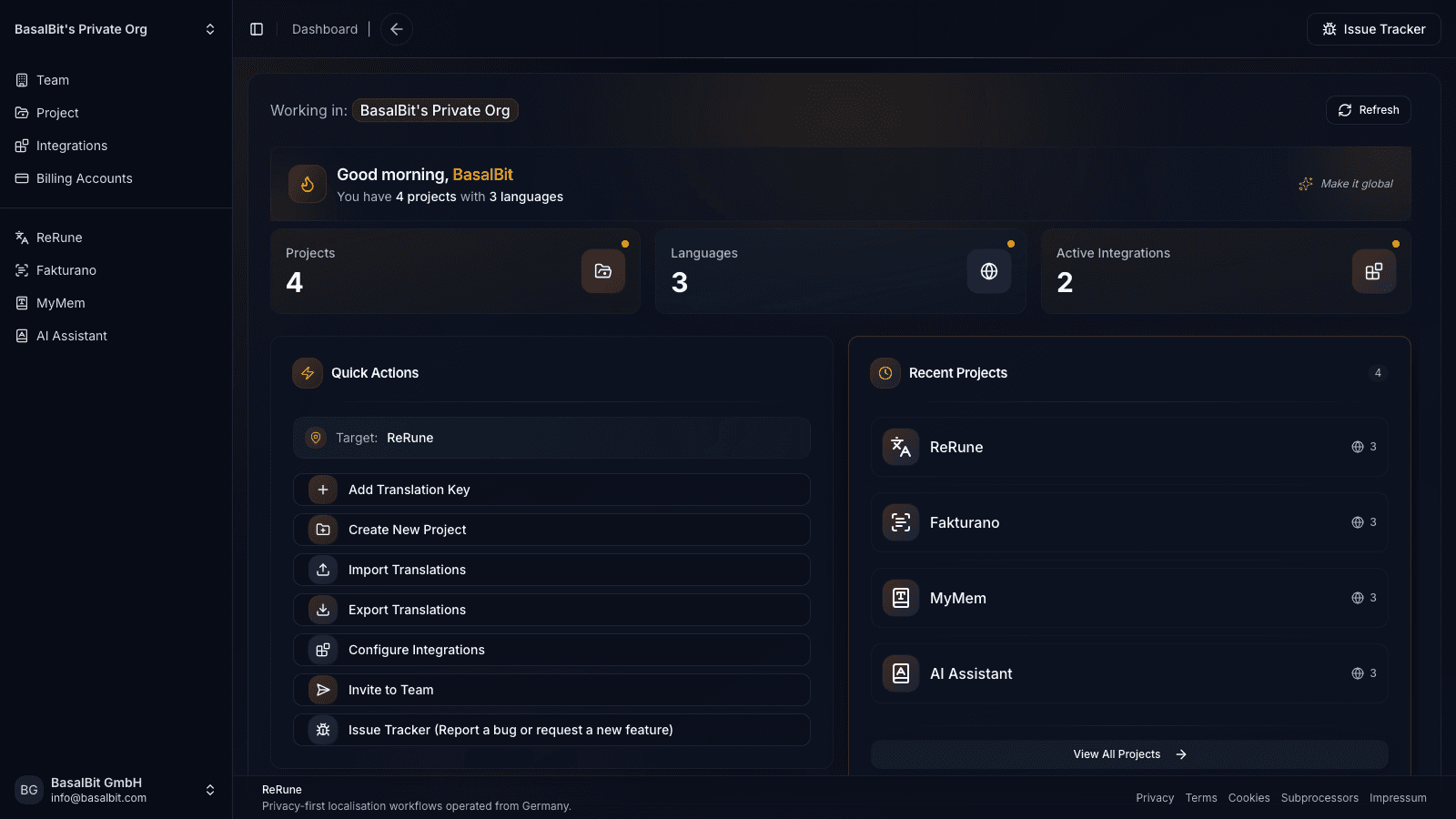
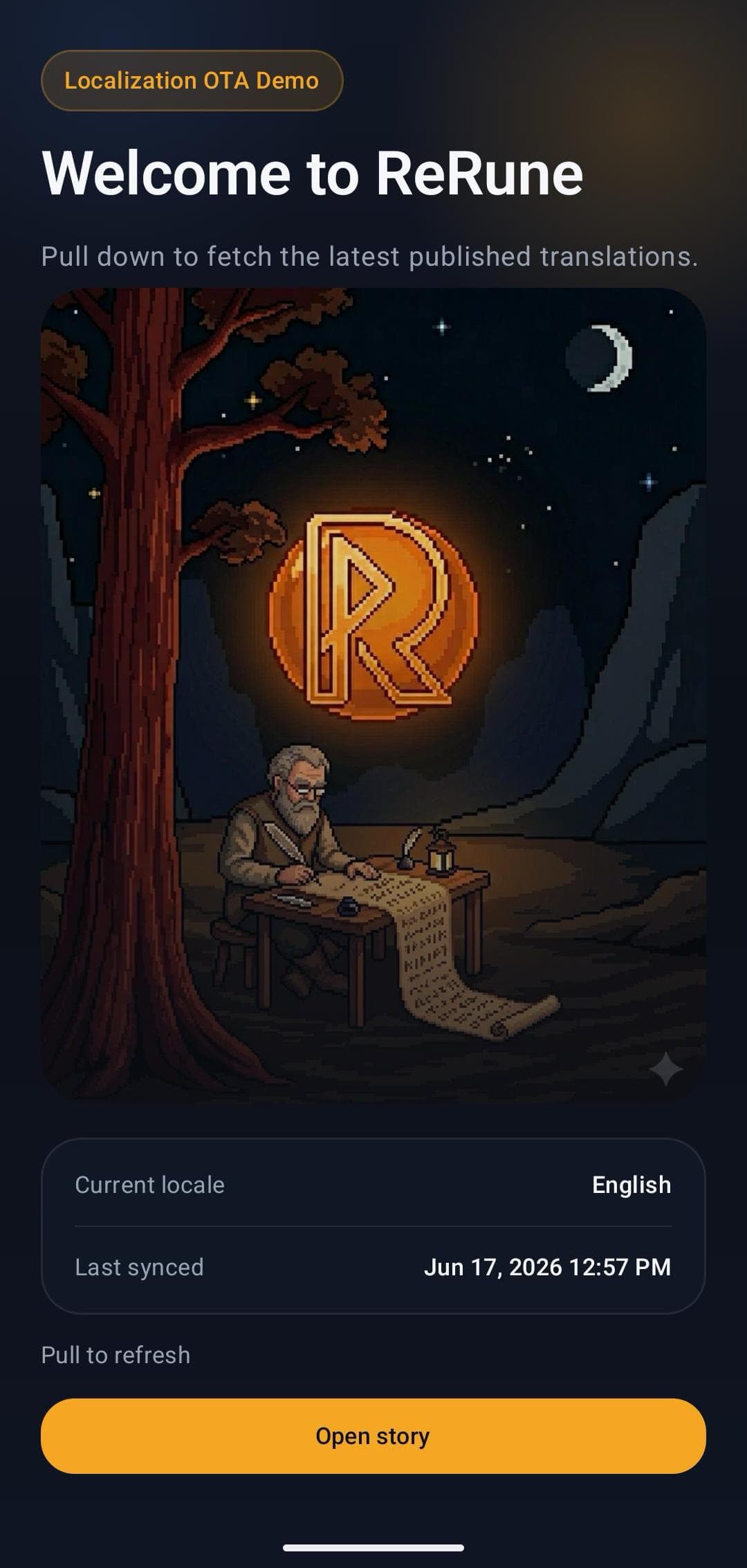
ReRune connects translation management to the delivery path developers already use: dashboard work, AI assistance, CLI/API sync, and OTA updates where a supported SDK is installed.
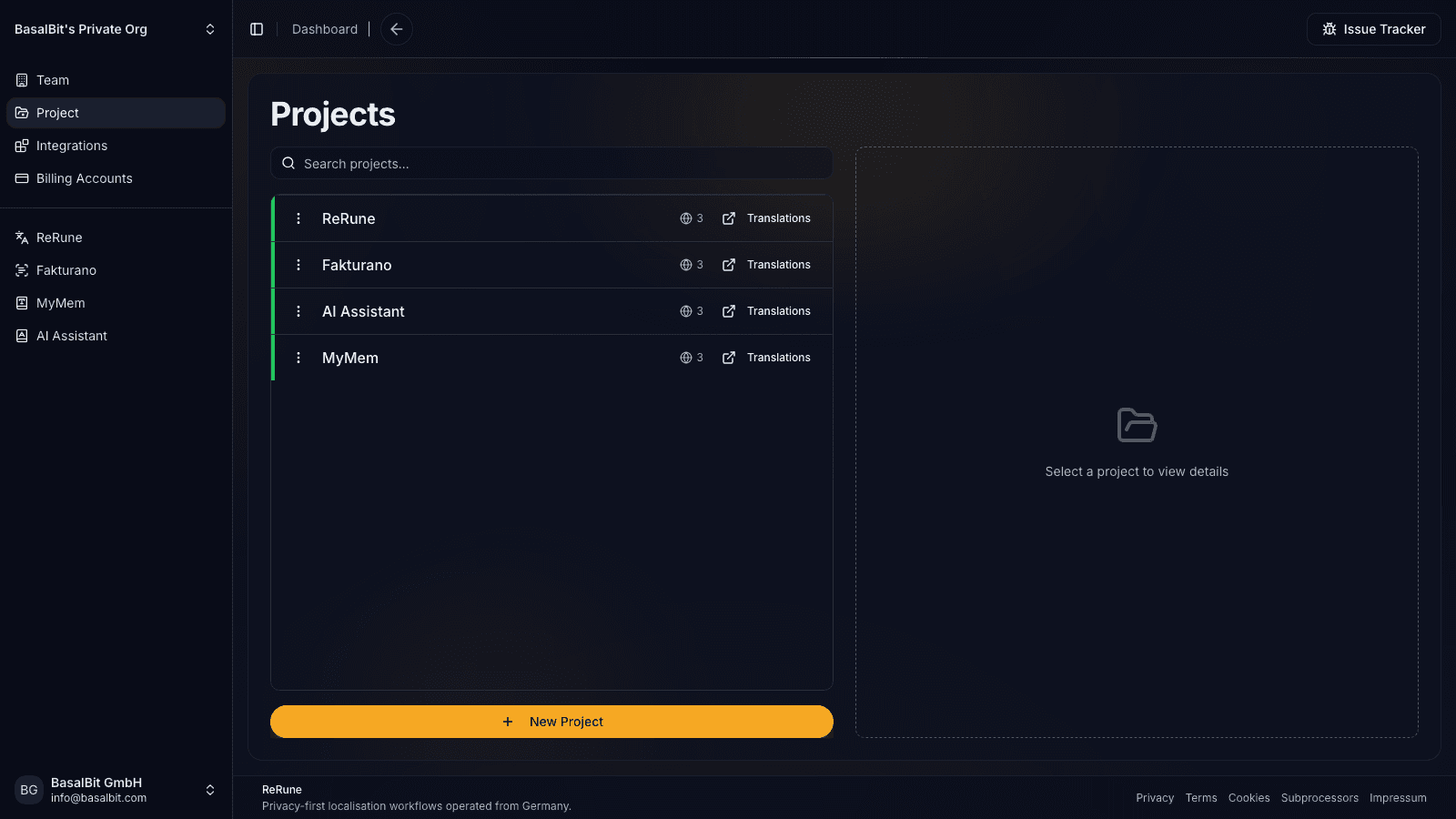
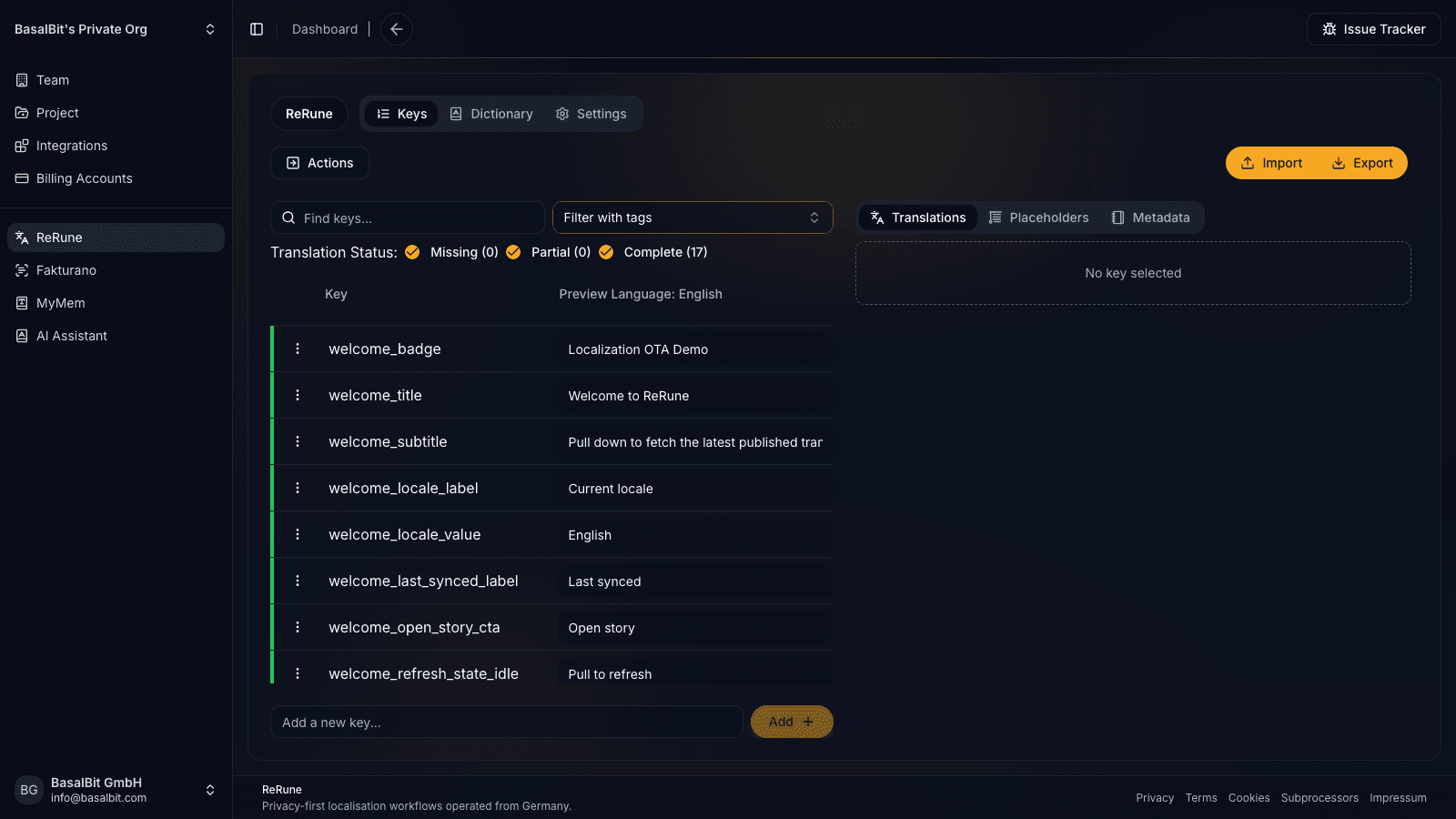
Manage keys, languages, values, placeholders, dictionaries, metadata, and project context before translation work spreads across files and messages.
Use DeepL or OpenRouter-assisted translation flows with dictionaries and product context close to the text being reviewed.
Use CLI/API workflows to move approved translations into repositories, CI/CD jobs, scripted release tasks, or custom platform integrations.
Export platform formats or publish OTA updates for supported SDKs while keeping bundled app resources as the safe fallback.
Agent-assisted setup
Run the onboarding command from the root of your Git repository. The wizard detects the app and compatible coding agents already installed, then launches the agent you choose to move static UI text into localization, connect ReRune when cloud setup is selected, and validate the result.
Run inside your Git repository
$ curl -fsSL https://rerune.io/onboard.sh | shThe script runs locally. ReRune does not receive your source code or list of installed agents.
Start it from the repository root. It stays in the terminal and detects the app, existing localization, and supported coding agents already installed.
Review the source locale, Git branch, and whether to connect ReRune cloud and add supported OTA delivery. Nothing changes until you confirm.
The selected agent migrates user-facing strings into the app's localization system, connects ReRune when cloud setup is selected, adds supported OTA setup when requested, and runs the relevant validation.
11 integrations: 4 available now, 7 planned.
 OpenCodeReady
 PiReady
Coverage
Start where localization creates release friction, then keep web, mobile, and cross-platform products in one shared workspace as your surface area grows.
Developer delivery
Use the ReRune CLI locally or in CI/CD to manage project translations, then deliver approved runtime updates through the SDK built for your app.
Companion CLI
Use the ReRune CLI to sync, validate, and manage translations right from your terminal. Run syncs in CI/CD or locally whenever you need to push a new language.
Homebrew (macOS/Linux):
brew install BasalBit/tap/rerunereruneConnect the project
Create the project config and connect the repository to its ReRune workspace.
rerune pullPull approved updates
Bring current dashboard translations into the app or its build workflow.
rerune pushPush local changes
Send local translation updates back to ReRune for the team to manage and publish.
SDK directory
Public ReRune SDKs for Flutter, Android, iOS, React, React Native, and Angular support runtime variant selection with Main and bundled fallback.
Flutter        rerune ^1.3.0
Android        rerune-android-compose:1.2.0
               rerune-android-views:1.2.0
iOS            ReRune 1.2.0
React          @rerune/react@1.6.0
React Native   @rerune/react-native@1.6.0
Angular        @rerune/angular@1.6.0
Questions
Share an idea, report a problem, or ask for help with ReRune.
No. ReRune overlaps in software localization needs, but it focuses on developer-first app localization, CLI/API sync, AI assistance, and supported OTA updates.
Consider ReRune when your main localization problem is app text, developer sync, release coordination, and runtime updates rather than a broad enterprise content localization program.
ReRune focuses on software and app localization workflows for product and engineering teams. It does not aim to cover every enterprise content, agency, or language-service workflow.
Explore next
Go deeper into the developer, platform, and delivery workflows connected to this page.
Compare ReRune as a Crowdin alternative for software teams that need app localization, CLI/API sync, AI assistance, and OTA updates where supported.
Read moreUse ReRune as a developer localization platform for app teams that need translation management, CLI/API sync, AI assistance, and OTA SDK delivery where supported.
Read moreReRune is a software localization platform for teams shipping web, mobile, and cross-platform apps with AI assistance, CLI/API sync, and OTA updates where supported.
Read moreCreate projects, manage keys, use AI assistance with context, sync through CLI/API, and publish approved runtime updates when your app uses a supported ReRune SDK.