
Common challenge
Teams compare Localazy alternatives when runtime text updates matter on more platforms than native Android and iOS, or when they want SDKs that plug into the i18n they already use.
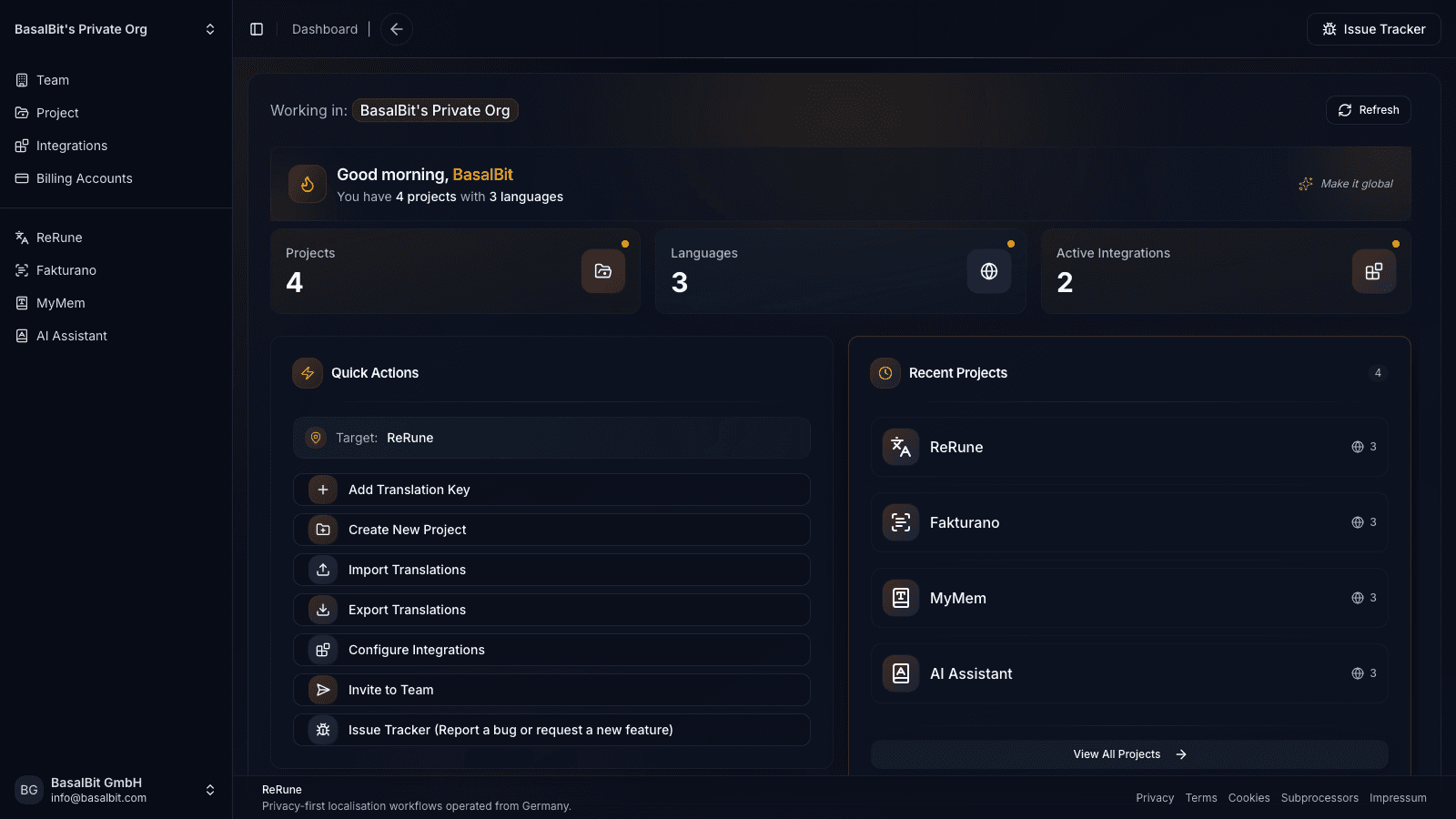
ReRune gives teams comparing Localazy a localization workspace with CLI sync, AI assistance, translation variants, and OTA SDKs for React, React Native, Angular, Flutter, Android, and iOS.
Teams compare Localazy alternatives when runtime text updates matter on more platforms than native Android and iOS, or when they want SDKs that plug into the i18n they already use.
App teams that ship web, cross-platform, and native apps and want to update approved copy on each of them without a new release.
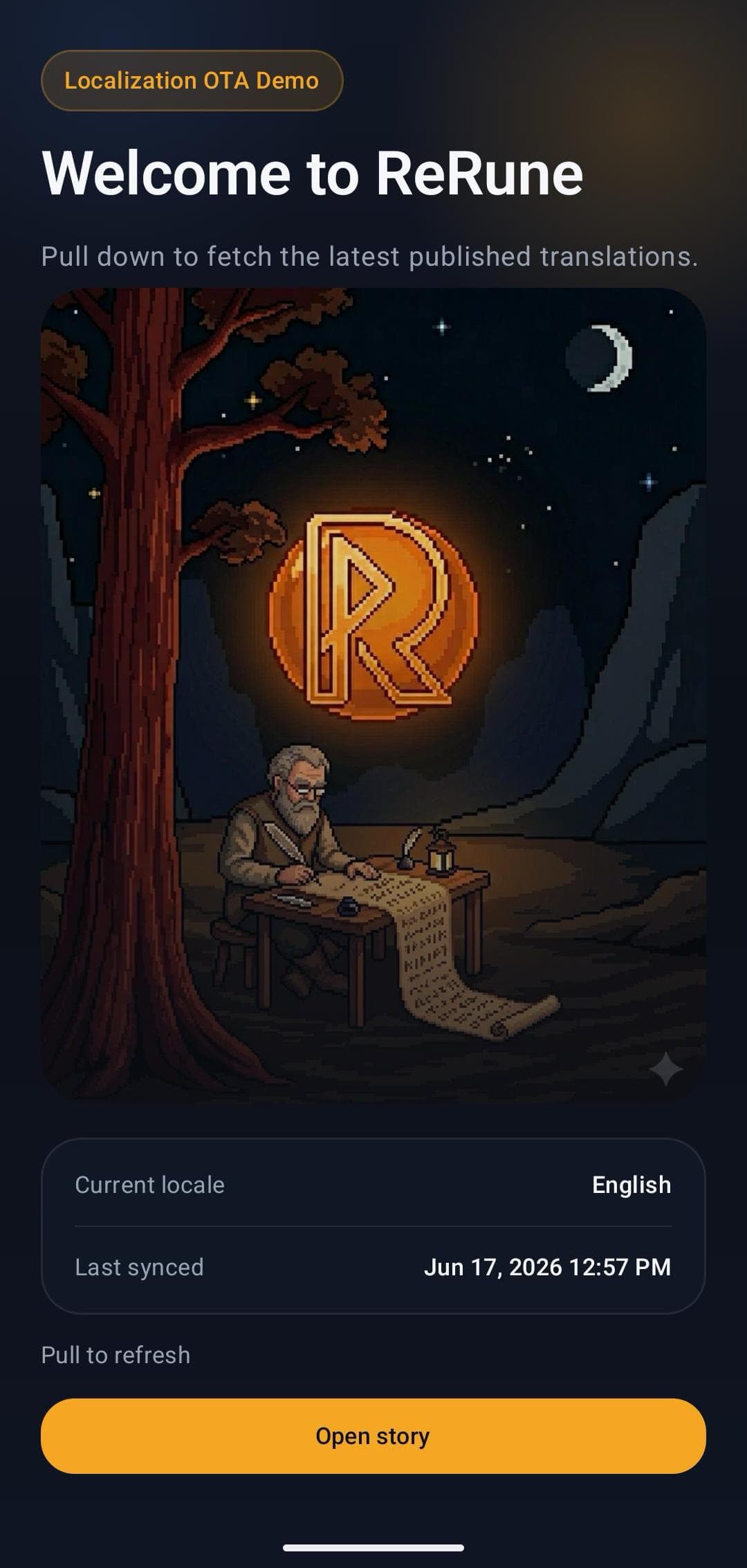
Localazy offers OTA updates for Android and iOS and delivers files for other platforms through its CDN. ReRune provides OTA SDKs for React, React Native, Angular, Flutter, Android, and iOS that keep your existing lookups, plus translation variants and OTA staging previews.
Switching
Localazy keeps translation files in standard formats synced by its CLI, and its Android library overlays native resources, the same way ReRune works. On Android, swap the Localazy Gradle plugin for the ReRune SDK. On iOS, calls to localazyLocalized or Text(localazyKey:) move back to NSLocalizedString.
ReRune wraps i18next and react-i18next, so your JSON catalogs and t() calls stay the same. ReRune.setup replaces i18n.init.
ReRune wraps ngx-translate or Transloco, so the translate and transloco pipes stay in your templates. ReRune.provide replaces the provider setup.
Flutter keeps gen-l10n ARB files and AppLocalizations, Android keeps strings.xml and getString, and iOS keeps NSLocalizedString. You add the ReRune setup call and a small platform hook.
Import existing files in standard formats such as ARB, strings.xml, Localizable.strings, XLIFF, and i18next JSON, then push and pull with the ReRune CLI. Your app keeps standard i18n, so your codebase is not tied to ReRune either.
Workflow
ReRune connects translation management to the delivery path developers already use: dashboard work, AI assistance, CLI/API sync, and OTA updates where a supported SDK is installed.
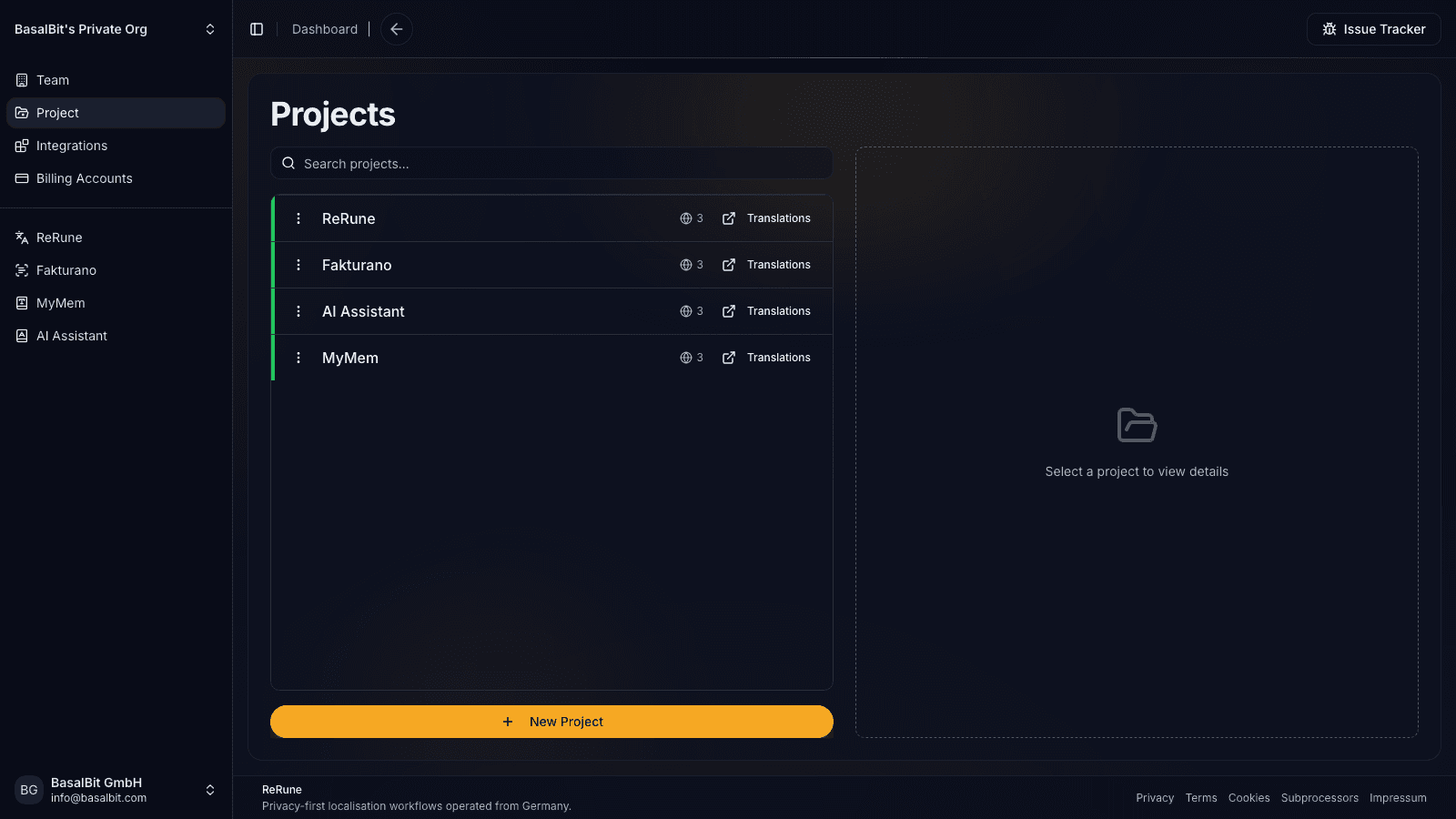
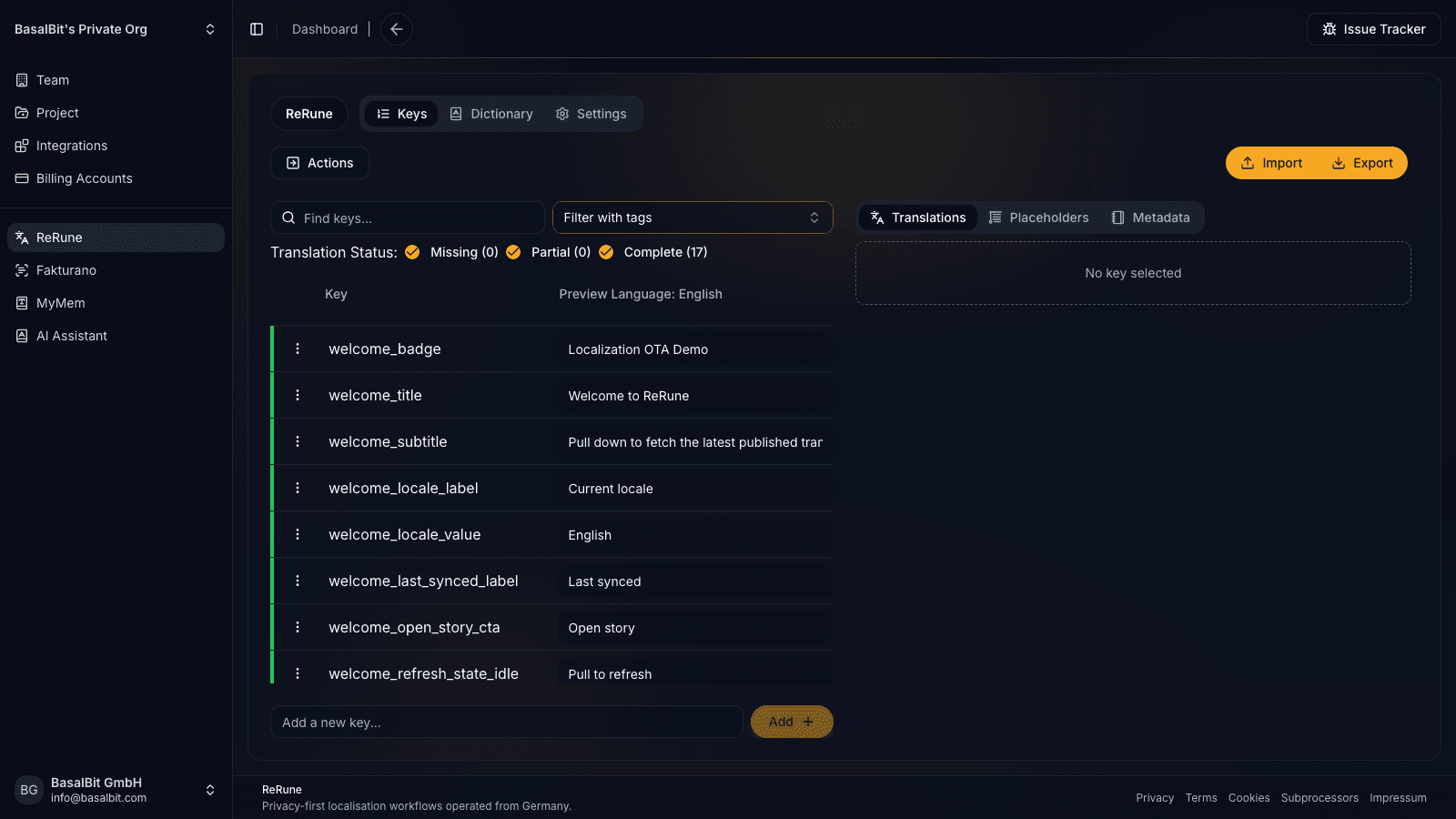
Manage keys, languages, values, placeholders, dictionaries, metadata, and project context before translation work spreads across files and messages.
Use DeepL or OpenRouter-assisted translation flows with dictionaries and product context close to the text being reviewed.
Use CLI/API workflows to move approved translations into repositories, CI/CD jobs, scripted release tasks, or custom platform integrations.
Export platform formats or publish OTA updates for supported SDKs while keeping bundled app resources as the safe fallback.
Setup WizardAI Coding Agent
Run the onboarding command from the root of your Git repository. The wizard inspects the app and confirms the plan with you, with no AI involved and nothing changed yet. Then it opens the coding agent you already use with a complete migration workflow.
Run inside your Git repository
$ curl -fsSL https://rerune.io/onboard.sh | shThe script runs locally. ReRune does not receive your source code or list of installed agents.
11 integrations: 4 available now, 7 planned.
 OpenCodeReady
 PiReady
Coverage
Start where localization creates release friction, then keep web, mobile, and cross-platform products in one shared workspace as your surface area grows.
Developer delivery
Use the ReRune CLI locally or in CI/CD to manage project translations, then deliver approved runtime updates through the SDK built for your app.
Companion CLI
Use the ReRune CLI to sync, validate, and manage translations right from your terminal. Run syncs in CI/CD or locally whenever you need to push a new language.
Homebrew (macOS/Linux):
brew install BasalBit/tap/rerunereruneConnect the project
Create the project config and connect the repository to its ReRune workspace.
rerune pullPull approved updates
Bring current dashboard translations into the app or its build workflow.
rerune pushPush local changes
Send local translation updates back to ReRune for the team to manage and publish.
SDK directory
Public ReRune SDKs for Flutter, Android, iOS, React, React Native, and Angular support runtime variant selection with Main and bundled fallback.
Flutter        rerune ^1.3.0
Android        rerune-android-compose:1.2.0
               rerune-android-views:1.2.0
iOS            ReRune 1.2.0
React          @rerune/react@1.6.0
React Native   @rerune/react-native@1.6.0
Angular        @rerune/angular@1.6.0
Questions
Share an idea, report a problem, or ask for help with ReRune.
ReRune covers app string management, CLI sync, AI assistance, and OTA delivery. It does not offer Localazy's shared translation memory pool (ShareTM) or its Continuous Localization Team of professional translators.
Localazy offers OTA updates for Android and iOS. ReRune offers OTA SDKs for React, React Native, Angular, Flutter, Android, and iOS, with local caching and fallback to the strings bundled in your app.
Localazy and ReRune both keep translation files in standard formats synced by a CLI, so your catalogs move as they are. On Android, swap the Localazy Gradle plugin for the ReRune SDK. On iOS, calls to localazyLocalized move back to NSLocalizedString. For apps that already use standard i18n the code change often takes minutes. Translation memory, glossaries, comments, and history move separately through exports such as TMX.
ReRune focuses on software and app localization workflows for product and engineering teams. It does not aim to cover every enterprise content, agency, or language-service workflow.
Explore next
Go deeper into the developer, platform, and delivery workflows connected to this page.
Compare ReRune as a Phrase Strings alternative for app teams that want developer sync, AI assistance, translation variants, and OTA SDKs that plug into existing i18n.
Read moreCompare ReRune as a Crowdin alternative for software teams that need app localization, CLI/API sync, AI assistance, and OTA updates where supported.
Read moreDeliver published app text through ReRune OTA SDKs, preview enabled drafts in staging clients, and keep production caches isolated with fallback and rollback.
Read moreReRune is a software localization platform for teams shipping web, mobile, and cross-platform apps with AI assistance, CLI/API sync, and OTA updates where supported.
Read moreCreate projects, manage keys, use AI assistance with context, sync through CLI/API, and publish approved runtime updates when your app uses a supported ReRune SDK.